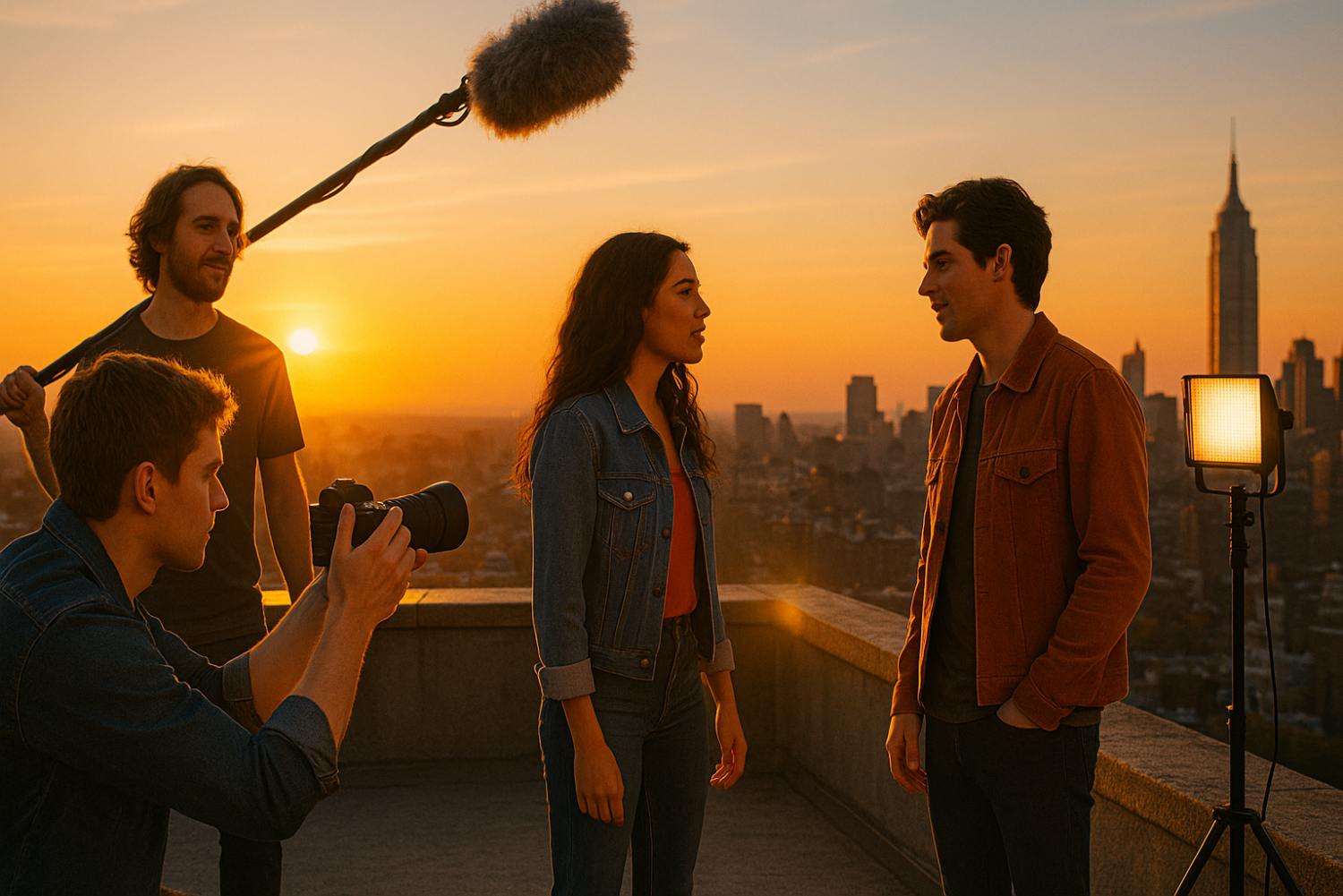
Think you need months of planning, a professional crew, and a Hollywood budget to make a movie? Think again.
There’s something electric about creating under pressure. A ticking clock strips away perfectionism, forces creative decisions, and — more often than not — produces some of the most raw, compelling storytelling you’ll ever put on screen.
The Make a Movie in a Weekend Challenge is exactly what it sounds like: a 48 to 72-hour filmmaking sprint from script to screen. No excuses. No overthinking. Just you, your gear, and a story that needs to be told.
This guide is built for beginners, solo filmmakers, and small crews who are ready to stop waiting and start shooting. By the time you finish reading, you’ll have a complete step-by-step plan, a realistic production timeline, and a downloadable weekend filmmaking checklist to keep you on track every hour of the challenge.
Let’s make a movie this weekend.
What Is the “Make a Movie in a Weekend” Challenge?
The weekend filmmaking challenge is a self-imposed — or competition-based — creative sprint where you write, shoot, and edit a short film within a 48 to 72-hour window.
The concept isn’t new. Organized events like the 48 Hour Film Project have been running since 2001, challenging filmmakers around the world to produce a complete short film in two days. Competitions like these often assign a genre, a prop, a character, and a line of dialogue at the start — forcing teams to think fast and execute faster.
But you don’t need to enter a competition to take the challenge. Many filmmakers use the weekend format as a personal creative exercise — a way to build skills, grow a portfolio, and prove to themselves that they can actually finish something.
Why do constraints work so well? Because unlimited time and unlimited options are the enemy of done. When you only have 48 hours, you stop waiting for the perfect idea and start making decisions. That momentum is where great films are born.
A “completed film” for this challenge can be anything from:
- A short film (1–10 minutes) with a clear beginning, middle, and end
- A micro-story or single-scene character study
- A visual experiment — mood-driven, dialogue-free, or purely cinematic
The format is flexible. The deadline is not.
What You Can Realistically Achieve in a Weekend
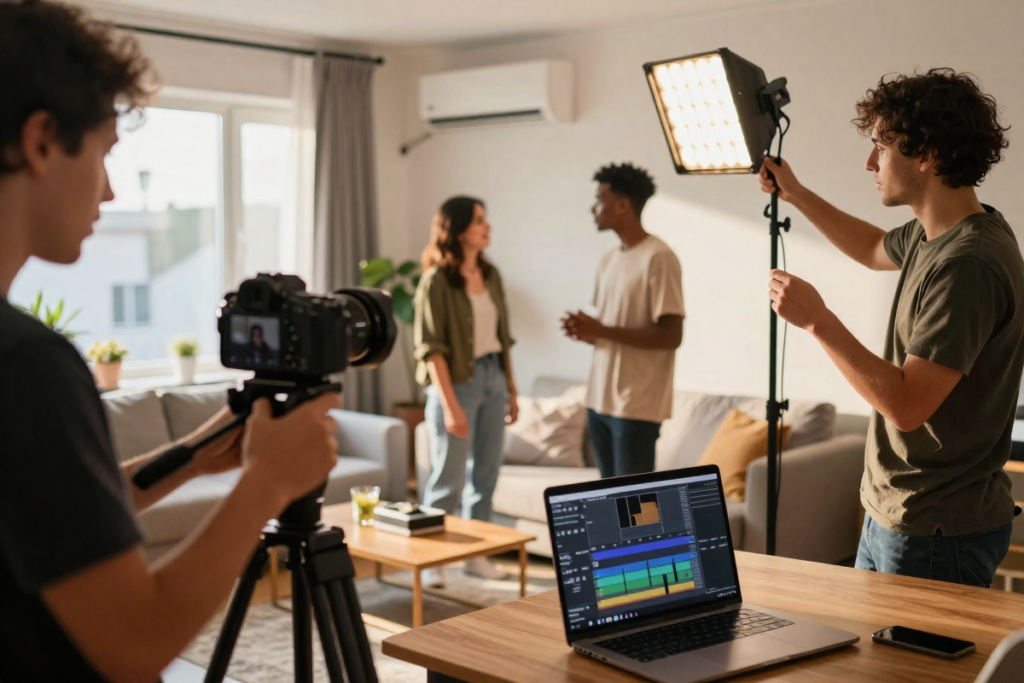
Before you start dreaming of chase sequences and multi-location epics, let’s talk expectations.
In 48 to 72 hours, a beginner filmmaker with a small crew can realistically produce a 3 to 7 minute short film — if the concept is tight and the planning is smart.
Best project types for a weekend shoot:
- Dialogue-driven scenes — Two characters in a room can carry a powerful story
- Single-location stories — Your home, backyard, or a friend’s space eliminates location logistics
- Minimal cast concepts — One to three actors keeps coordination manageable
- High-concept micro-stories — A simple premise executed well beats a complex one executed poorly
What NOT to attempt on your first weekend challenge:
- Complex visual effects or green screen compositing
- Multiple locations across different parts of town
- Large cast and crew coordination
- Elaborate costume, makeup, or period-specific design
Think Robert Rodriguez, who famously shot El Mariachi on a micro-budget with guerrilla filmmaking techniques. Constraints didn’t limit his story — they defined it.
Pre-Weekend Prep: Set Yourself Up for Success
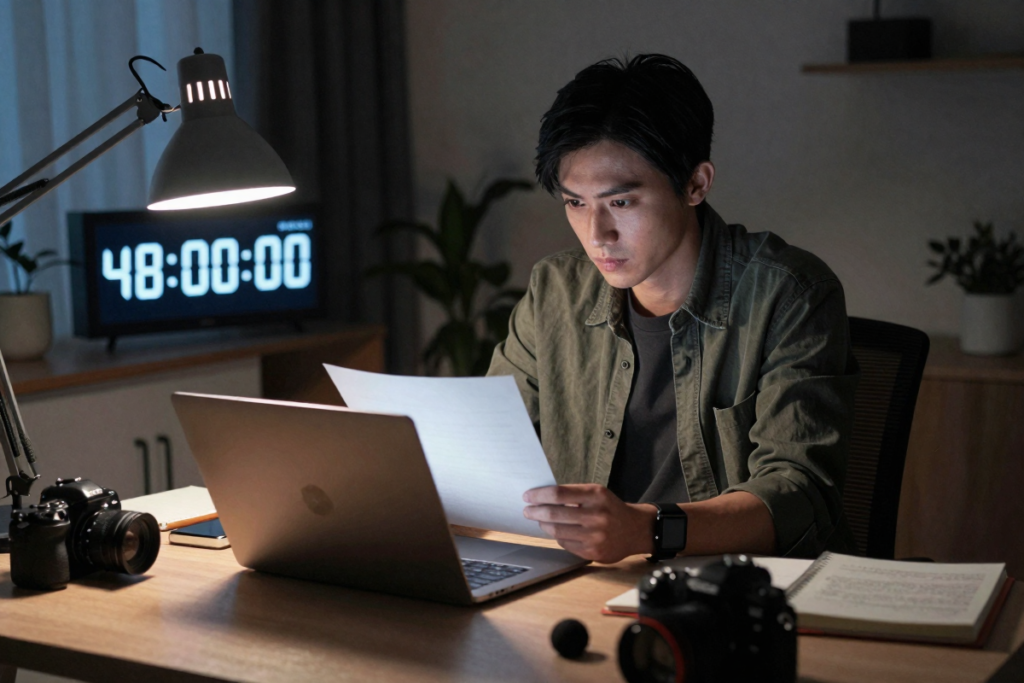
You can absolutely wing the entire challenge from scratch on Friday night. But a little preparation goes a long way toward keeping the weekend from unraveling.
Before the weekend starts:
- Brainstorm 3–5 simple concepts and pick the one that excites you most
- Write a short script or outline — even a one-page treatment with scene beats is enough(See suggested writing tool below)
- Build a basic shot list so you’re not improvising every setup on location
- Scout your location(s) — walk through them, check lighting at different times of day, note any sound issues
- Confirm your cast — even if it’s just your roommate or best friend
📌 [Budget Screenwriting Software — WriterDuet]
The 3-Day Weekend Filmmaking Plan
This is your complete production roadmap — from Friday evening to Sunday export.
🎬 Day 1 (Friday Evening): Pre-Production + First Scenes
Hours 1–2: Lock Your Script
Keep it simple and short. A 3 to 5-page script translates to roughly 3 to 5 minutes of finished film. Write in clear, visual language. If you already have a draft, do a final pass and commit to it — no more rewrites once you start shooting.
Hours 2–3: Gear Check + Location Walk-Through
Pull out every piece of equipment you plan to use, charge batteries, format memory cards, and test your audio. Don’t discover a broken mic on Saturday morning.
Hours 3–6: Block, Rehearse, and Shoot Your First Scenes
Start with your most important scenes while energy is high. Block the action quickly, do a fast rehearsal, then roll camera. Prioritize performance and story over perfection.
📌 [Entry-Level Camera — Sony ZV-E10]
📌 [Tripod / Camera Stabilizer —
Neewer Budget Tripod with Fluid Head and DJI OM Series Gimbal]
📌 [Budget LED Lighting Kit — Neewer 2-Pack Dimmable LED Panel]
🎥 Day 2 (Saturday): The Production Sprint
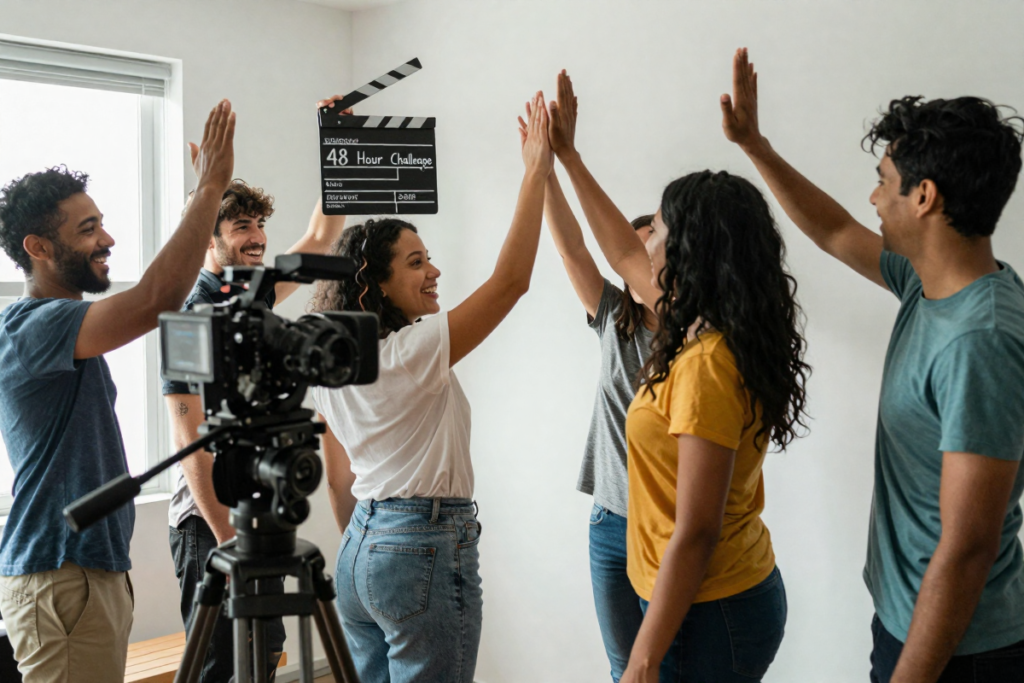
This is your biggest shooting day. By the end of Saturday, you should have all — or nearly all — of your principal photography wrapped.
Morning: Finish remaining dialogue scenes
Tackle your most performance-heavy scenes early when your cast is fresh and alert.
Afternoon: B-roll, inserts, and coverage
Shoot the cutaway shots, close-ups on props, establishing shots of your location, and any detail shots that will give your editor options during the cut.
Evening: Audio cleanup + backup
Record any additional audio, Foley sounds, or ambient room tone you’ll need in post. Then back up all footage to at least two locations — an external hard drive and a cloud backup or second drive. Losing footage on Day 2 is a gut punch you don’t want to experience.
📌 [Shotgun Microphone — Rode VideoMicro]
📌 [Portable Audio Recorder — Zoom H1n]
📌 [SD Cards + Portable Storage — SanDisk Extreme SD Cards and Samsung T7 Portable SSD]
✂️ Day 3 (Sunday): Editing + Final Cut
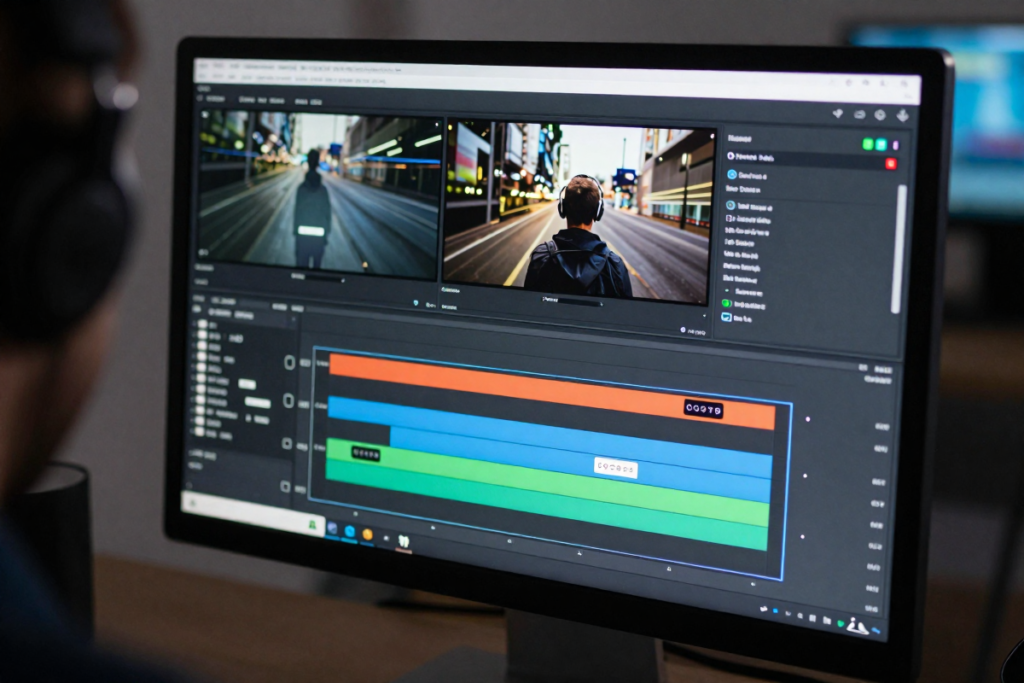
Sunday is post-production day. This is where your film comes to life — or falls apart without proper time management.
Morning: Import, organize, and rough cut
Create a clean folder structure for your footage. Label your clips, pull your selects, and assemble a rough cut. Don’t overthink it — just get the story down in sequence.
Midday: Fine cut + audio polish
Tighten your edit, remove dead space, and clean up your audio levels. Add royalty-free music to support the emotional arc of your film.
Afternoon: Color correction + export
Apply a basic color grade or LUT to create visual consistency across your scenes. Keep it subtle. Export for web using H.264 compression at 1080p.
📌 [Video Editing Software — DaVinci Resolve (free version) or (paid upgraded version)]
📌 [Royalty-Free Music Subscription — Artlist]
📌 [LUT Packs / Color Presets for Short Films]
Essential Gear for a Weekend Film: Beginner-Friendly Setup
You don’t need expensive equipment to make a good short film. You need to know how to use what you have.
| Category | Budget Option | Best Value | Upgrade Pick |
|---|---|---|---|
| Camera | Smartphone (iPhone/Android) | Sony ZV-E10 | Blackmagic Pocket 4K |
| Audio | Phone mic + quiet room | Rode VideoMicro | Zoom H5 + Boom Pole |
| Lighting | Window natural light | Neewer LED 2-Pack | Aputure Amaran 100X |
| Stabilization | Stack of books / floor | Joby GorillaPod | DJI RS 3 Gimbal |
The most underrated piece of gear on any low-budget set? A good microphone. Audiences will forgive shaky footage. They will not forgive bad audio.
Common Mistakes to Avoid in a 48-Hour Film Challenge
Even experienced filmmakers stumble during speed productions. Here’s what tends to go wrong — and how to stay ahead of it:
- Overcomplicating the story. A simple idea executed with clarity beats a complex idea executed in confusion every time.
- Ignoring audio quality. Bad sound is the number one thing that makes a film feel amateur.
- Poor time management. Build buffer time into every day. Scenes always take longer than expected.
- Not backing up footage. This one is non-negotiable. Backup twice, minimum.
- Letting perfectionism kill momentum. “Done” is infinitely better than “almost perfect.” Move forward.
Tips to Make Your Weekend Film Look More Professional
You don’t need a bigger budget — you need smarter decisions on set.
- Use natural light intentionally. Golden hour (the hour after sunrise and before sunset) is free, beautiful, and cinematic. Plan your outdoor shots around it.
- Frame every shot with purpose. Use the rule of thirds, give your subjects breathing room, and vary your shot sizes (wide, medium, close-up).
- Get cleaner audio than you think you need. Get the microphone as close to your subject as possible without entering the frame.
- Keep your edit clean and simple. Cut on action, let scenes breathe, and resist the urge to use every piece of footage you shot.
- Use continuity to your advantage. Small details — the position of a coffee cup, the direction a character looks — add up fast. Have someone watch for continuity errors on set.
The Ultimate Weekend Filmmaking Checklist
(Download the full printable version below)
📌 [AS PROMISED: Download the Weekend Filmmaking Checklist PDF]
✅ Pre-Production
- Concept and story locked
- Script or outline finalized
- Shot list created
- Locations confirmed and scouted
- Cast confirmed and scheduled
- Gear tested (camera, audio, lighting)
- Batteries charged, cards formatted
✅ Production
- All scripted scenes filmed
- Audio levels checked on set
- B-roll and insert shots captured
- Continuity monitored between takes
- All footage backed up to two locations
✅ Post-Production
- Footage imported and organized
- Rough cut assembled
- Fine cut completed
- Audio cleaned and leveled
- Music and sound design added
- Color correction applied
- Titles and credits added
- Final export completed (1080p H.264)
Where to Share Your Finished Film
You made a movie in a weekend — now let people see it.
- YouTube — Best for long-term discoverability and potential monetization
- Vimeo — Respected platform in the filmmaking community; great for festival submission portfolios
- Instagram Reels / TikTok — Share behind-the-scenes clips and a teaser to build an audience
- FilmFreeway — Submit your film to festivals, even as a weekend challenge entry
- Reddit (r/filmmakers, r/shortfilm) — Active communities that give honest, constructive feedback
Document your process. A “making of” video or a behind-the-scenes reel can actually perform better than the film itself on social media — and it builds your filmmaker brand organically.
How to Turn the Weekend Challenge Into a Habit
One weekend film challenge is a great experience. Doing it monthly is a career accelerator.
Each sprint teaches you something a film school lecture can’t: how to make real decisions under real pressure. Your second film will be better than your first. Your fifth will be dramatically better than your second.
Ways to keep the momentum going:
- Set a personal monthly filmmaking challenge with a self-imposed deadline
- Join an organized challenge like the 48 Hour Film Project or a local film sprint event
- Build a small crew of collaborators you can call on each time
- Track your progress — watch your early films periodically and note what improved
The filmmakers who grow fastest aren’t the ones who wait for perfect conditions. They’re the ones who show up every weekend and make something.
Bonus: Can You Make Money From Your Weekend Films?
Absolutely — and faster than you might think.
- YouTube monetization kicks in once you hit 1,000 subscribers and 4,000 watch hours, but the content you create during challenges builds that library quickly
- Gear review content — Document the equipment you use during your challenges and add affiliate links to your descriptions and blog posts
- Selling skills — Weekend challenges are portfolio builders. Clients hire videographers based on what they’ve made, not what they plan to make
- Building an audience — Consistent challenge content builds a loyal following of filmmakers and film fans who trust your recommendations
📌 [HELPFUL SOLUTIONS: TubeBuddy, VidIQ, or join this Make Your First Movie Filmmaking Course]
Frequently Asked Questions
Can you really make a good movie in just one weekend?
Yes — with the right scope and preparation. The key is matching your ambition to your available time. A well-crafted 4-minute film beats an unfinished 20-minute one every time.
What’s the ideal length for a weekend film?
Aim for 3 to 7 minutes. Short enough to edit in a day, long enough to tell a complete story.
Can I make a movie using just my smartphone?
Absolutely. Modern smartphones shoot cinematic 4K footage. Pair it with a budget microphone and a stable mount, and you have everything you need.
What’s the best free editing software for a weekend filmmaker?
DaVinci Resolve is the industry favorite for free editing software — it’s professional-grade, has robust color tools, and requires no subscription.
How many scenes can I realistically shoot in one day?
On a simple single-location shoot, a small crew can typically cover 5 to 10 scripted scenes per day, depending on complexity and setup time.
You Have Everything You Need — Start This Weekend
Making a movie doesn’t require months of planning, a professional crew, or a big budget. It requires a story, a camera, and the willingness to commit to a deadline.
The weekend filmmaking challenge exists to prove one thing: the best way to learn filmmaking is to make films.
So pick your concept tonight. Pull out your shot list template. Charge your batteries. And start shooting.
📥 [Download the Weekend Filmmaking Checklist — Free Downloadable Checklist PDF]
Then come back and share your finished film in the comments. We’d love to see what you make.
(More helpful articles: [How to Shoot a Short Film With No Budget (Step-by-Step Guide)], [Case Study: Filmmakers Who Made It with Almost Nothing], [How to Use AI to Speed Up Your Filmmaking Workflow])
Disclaimer: This article contains affiliate links. If you purchase an item through the link I will earn a small commission at no extra cost to you.
Leave a Reply