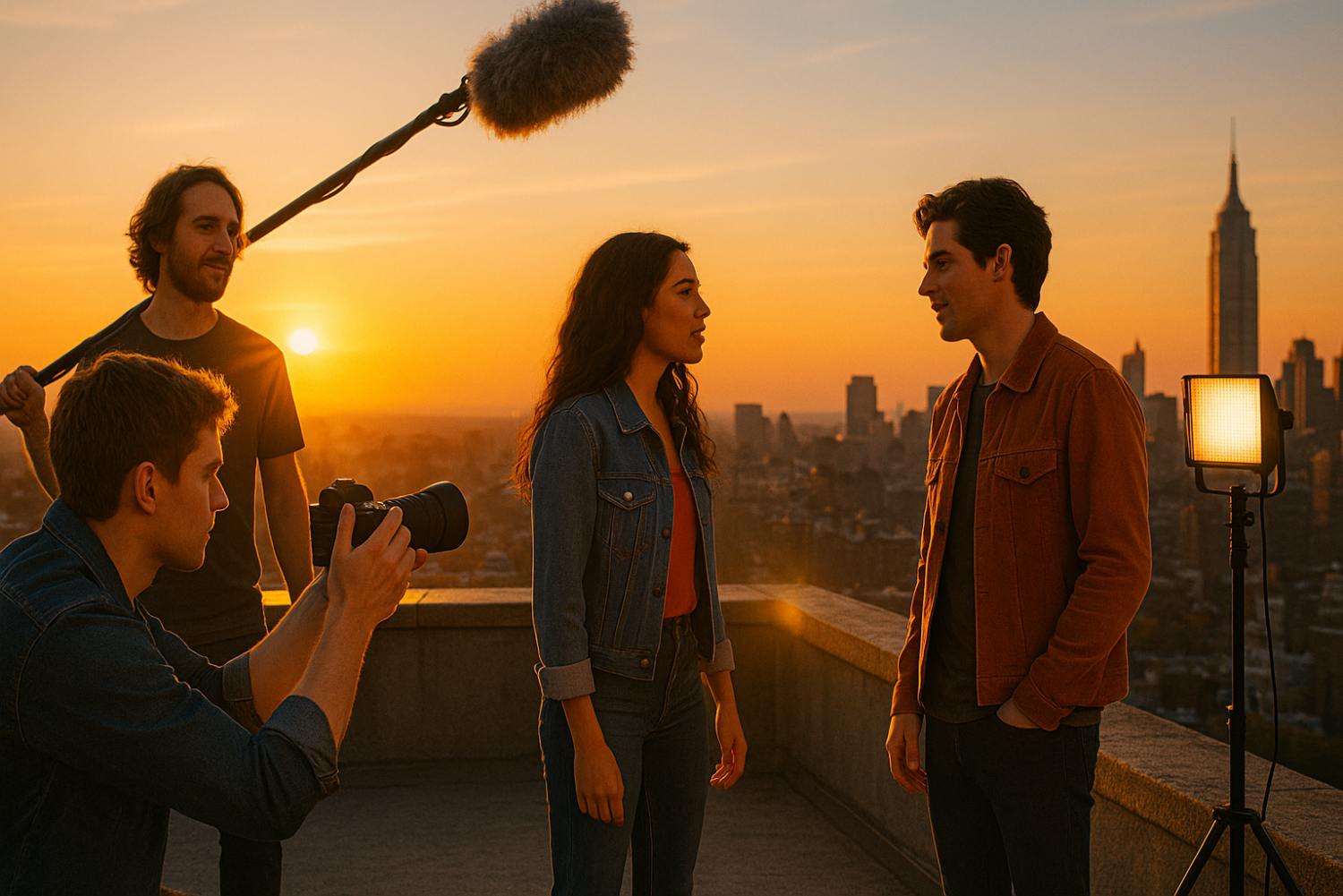
You have a story burning inside you. Maybe you’ve had it for months. But every time you think about making it, the same thought stops you cold: “I don’t have the money.”
Here’s the truth that every working filmmaker eventually learns — you don’t need money to make a short film. You need a plan.
Some of the most celebrated indie directors in history — Robert Rodriguez, Kevin Smith, Christopher Nolan — started exactly where you are right now. No budget. No crew. No excuses. Just a camera (or whatever they could borrow), a story worth telling, and the determination to figure it out.
This step-by-step guide will walk you through everything you need to know about no budget filmmaking — from writing a script that works with what you have, to shooting with your smartphone, to editing and distributing your finished film for free. Whether you’re a complete beginner or someone who’s tried before and got stuck, this guide is built to get you from idea to finished film.
Let’s get to work.
What “No Budget” Really Means in Filmmaking
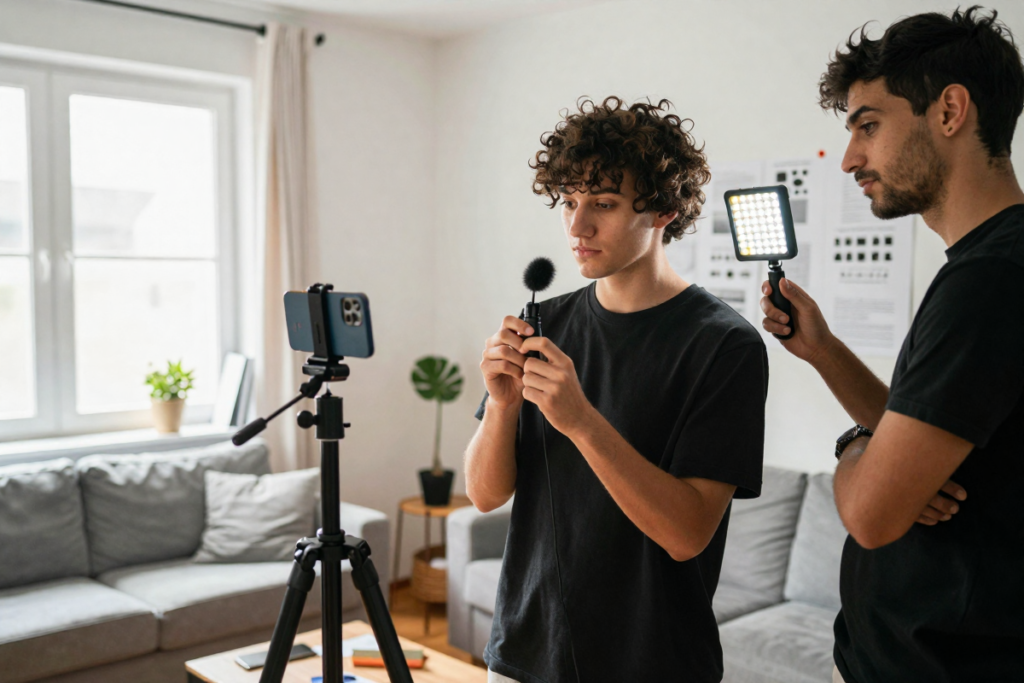
Before we dive in, let’s clear something up. “No budget” doesn’t literally mean zero dollars. It means you’re working with minimal or near-zero resources — no film school, no rental houses, no paid crew, no expensive locations.
What you do have is more powerful than money:
- A smartphone capable of shooting cinematic 4K footage
- Free locations — your home, your neighborhood, your city
- People who believe in your vision and will show up to help
The mindset shift that separates filmmakers who actually finish their films from those who don’t is simple: resourcefulness over spending. Constraints don’t kill creativity — they fuel it. Some of cinema’s most innovative techniques were born from someone saying, “We can’t afford that. What can we do?”
Step 1: Start With a Simple, Realistic Script
The single biggest mistake beginner filmmakers make is writing a script they can’t produce. Car chases, crowd scenes, burning buildings — these ideas might be exciting on paper, but they’ll crush a no-budget production before day one.
Keep Your Story Contained
The golden rule of micro-budget short film production: the simpler your story, the better your film will be. Aim for:
- 1 to 3 locations maximum — ideally places you already have access to
- 1 to 3 characters — fewer people to coordinate means faster, cleaner shoots
- No effects-heavy sequences — skip the explosions, stunts, and CGI
Some of the most emotionally powerful short films ever made take place entirely in a single room. Limitation forces you to focus on what actually matters: character and story.
Write for What You Have
Look around you right now. Your apartment, your backyard, your friend’s garage, the park down the street — these are your sets. Great DIY filmmaking starts with writing toward your resources, not away from them.
Ask yourself:
- What interesting locations do I already have access to?
- What props do I own that could serve the story?
- Who do I know that could play these characters convincingly?
Write your script around honest answers to those questions.
Free Scriptwriting Tools
You don’t need expensive software to write a professional-formatted screenplay. Tools like WriterDuet and Celtx offer free tiers that handle all standard script formatting automatically. If you want a premium, distraction-free writing experience with collaboration features and cloud backup, tools like Final Draft can make the process even smoother.
Step 2: Use the Gear You Already Own
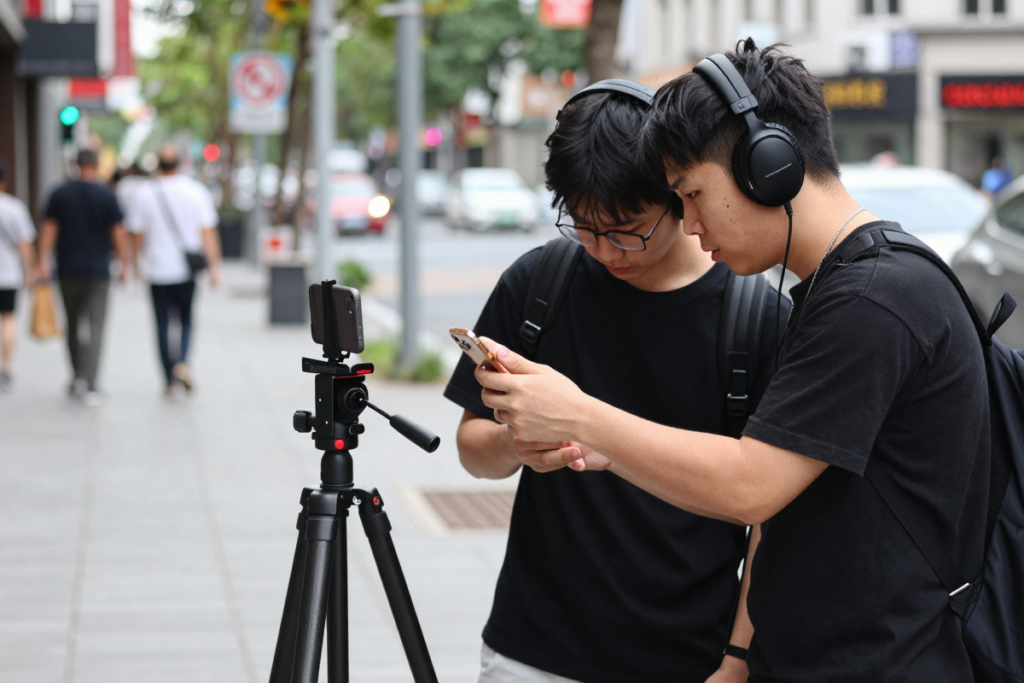
One of the most common questions in filmmaking for beginners is: “What camera do I need?” The answer might surprise you.
Shooting With a Smartphone
Modern smartphones are genuinely capable filmmaking tools. The iPhone 15 Pro shoots in ProRes. Many Android flagship devices offer manual controls, log profiles, and stunning low-light performance. If you already own a recent smartphone, you already own a film camera.
To get the most out of smartphone cinematography:
- Shoot horizontally (landscape mode) for a cinematic aspect ratio
- Lock your exposure and focus before every shot — tap and hold on most phones
- Use the rear cameras, not the front-facing lens, for better quality
- Keep the lens clean — a simple wipe can dramatically improve your image
Essential Low-Cost Gear
You don’t need much, but a few key pieces of affordable gear can take your production value from “phone video” to “indie film.” Here’s what actually makes a difference:
| Gear | Why It Matters | Budget Range |
|---|---|---|
| Mini tripod or gorilla pod | Eliminates shaky handheld footage | $15–$40 |
| Clip-on lavalier microphone | Dramatically improves audio quality | $20–$60 |
| Small LED panel or ring light | Adds control over your lighting | $25–$80 |
| Phone lens attachment kit | Wider or anamorphic look | $20–$50 |
👉 A simple, sturdy tripod like Amazon Basics 60 inch Tripod can instantly transform your footage from shaky to cinematic. For audio, a clip-on lavalier mic like NEEWER 2 Pack Lavalier Lapel Microphone is one of the best investments any beginner filmmaker can make.
Free Filmmaking Apps
- Filmic Pro — advanced manual controls for smartphones (paid, but worth it)
- Open Camera (Android) — free manual controls
- Dolby On — free audio recording with noise reduction built in
Step 3: Find Free Locations (Legally and Creatively)
Location scouting doesn’t have to cost anything. Here’s where to start:
- Your home — every room is a potential set. Rearrange furniture, change the lighting, and it reads completely differently on camera.
- Friends’ and family’s homes — a living room, a garage, a backyard — ask around, you’ll be surprised what people offer when you explain what you’re doing.
- Public spaces — parks, streets, and plazas can be used with some caution.
- Your Hometown — Ask your town manager about buidings & location you can use for free. Many small towns love the idea of a local shooting a film in town will be happy to help.
Guerrilla Filmmaking Tips
Guerrilla filmmaking means moving fast, staying small, and not drawing attention to yourself. If you’re shooting in a public space without a permit:
- Keep your crew to 2 or 3 people maximum
- Use equipment that looks casual — a phone looks like a tourist, a DSLR on a massive rig does not
- Have your shots planned in advance so you’re in and out quickly
- Avoid rush hours and crowded times
Permissions and Safety
Some locations require permits even for small, non-commercial shoots — particularly city-owned property, national parks, or private businesses. Always research local regulations before you shoot. When in doubt, ask for written permission. A simple email that says “yes” is enough to protect you. Getting caught without permission can mean losing your footage or facing fines — not worth the risk.
Step 4: Build a Small But Committed Team

Even on a one-person film crew, you’ll eventually hit a wall. Someone needs to hold the microphone while someone else operates the camera. Someone needs to deliver lines while someone else directs.
Key Roles (Even if Doubled Up)
You don’t need a 50-person crew. You need these roles covered — even if one person handles two:
- Director/Producer — you, overseeing the vision
- Camera operator — operating the phone or camera
- Sound — monitoring audio and holding the mic
- Actors — ideally people who can take direction and show up on time
How to Find People for Free
- Friends and family — your first and best resource
- Facebook Groups and Reddit — search for local filmmaking communities; aspiring actors and crew members are actively looking for projects to build their portfolios
- Local film schools — students are often eager to collaborate on real projects outside of class
Motivating Your Team Without Paying Them
Be honest about what you’re offering: experience, portfolio footage, and the genuine opportunity to create something together. Feed your crew — it matters more than you think. Communicate clearly, respect their time, and deliver on your promises. Send them edited clips they can use. People work harder when they feel valued, even without a paycheck.
Step 5: Plan Your Shoot Like a Pro
Pre-production saves money in filmmaking. Every hour you spend planning saves two hours on set — and when your “set” is a borrowed apartment and your “crew” is doing you a favor, wasted time has real consequences.
Create a Shot List
A shot list is simply a document that outlines every single shot you need to capture. For each shot, note:
- Shot number
- Scene it belongs to
- Shot type (wide, medium, close-up)
- Camera movement (static, pan, handheld)
- Any notes on action or dialogue
This keeps you focused on set and prevents you from missing critical coverage.
Make a Shooting Schedule
Group all your scenes by location. If three scenes take place in your kitchen, shoot all three on the same day — even if they appear in different parts of the film. This is called “shooting out of order,” and it’s how every professional production works.
Free Planning Tools
For organizing your shoot, Google Sheets works perfectly for call sheets and shot lists. For project management and scheduling, tools like Trello — Project Management App can help you coordinate your team, track tasks, and keep your production on schedule.
Step 6: Shoot Your Film Efficiently
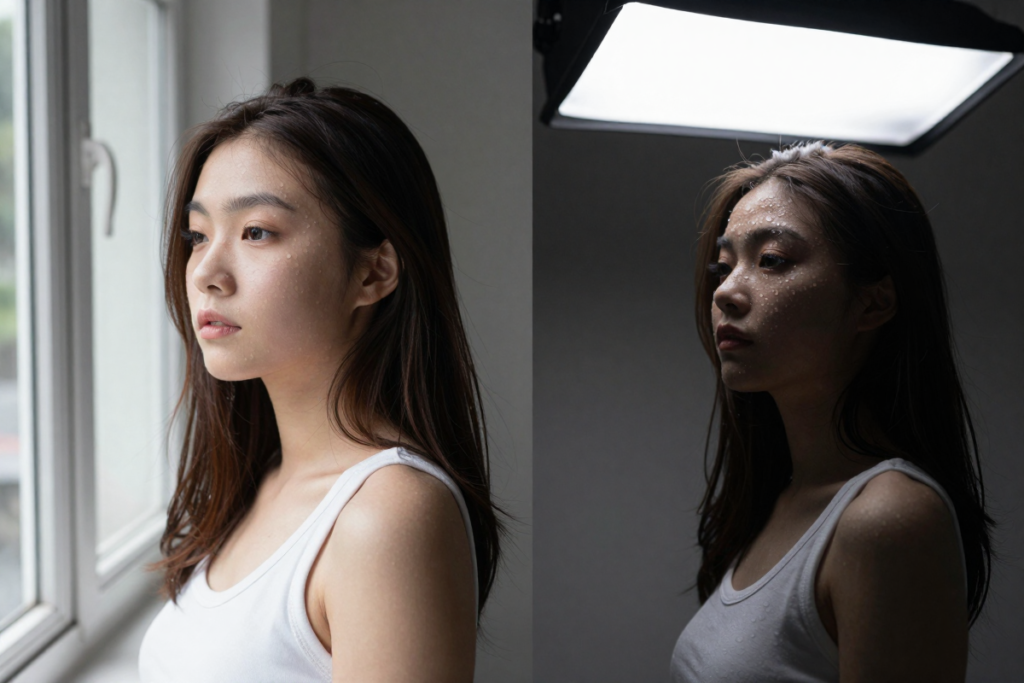
Lighting Basics (No Budget Edition)
Natural light filmmaking techniques are your best friend. Here’s how to use them:
- Windows are incredible light sources. Position your subject facing the window for soft, flattering light. Side-light from a window creates dramatic shadows.
- Shoot during the “golden hour” — the hour after sunrise and before sunset — for warm, cinematic natural light
- DIY reflectors — a piece of white foam board from a dollar store bounces light beautifully and costs almost nothing
Avoid overhead fluorescent lighting at all costs. It’s unflattering, it flickers on camera, and it will make your film look like a home video from 1994.
When no natural light available go with this budget friendly 3-Light LED Panel Kit
Capture Good Audio (This Is Non-Negotiable)
Here’s a truth that took many filmmakers years to learn: audiences will forgive poor visuals, but they will not forgive poor audio. Bad picture quality reads as “indie.” Bad audio reads as “unwatchable.”
To get clean audio on no budget:
- Record in the quietest environment possible — turn off HVAC systems, fridges, and fans
- Get the microphone as close to your subject as possible without it entering frame
- Record a “room tone” sample — 30 seconds of silence in every location — for editing
An affordable clip-on lavalier mic like Rode Lavalier GO Mic or a small shotgun mic like Movo VXR10 Universal Shotgun Mic for Camera will make a night-and-day difference in your final product.
Get Multiple Takes — But Stay Efficient
Aim for at least 3 usable takes of every shot. The first take is usually the actors finding their footing. The second is better. The third is often your best. Beyond five or six takes, you’re usually losing energy, not gaining quality. Trust your instincts and move on.
Step 7: Edit Your Film Using Free Software
Best Free Editing Software
You don’t need to spend a dollar on post-production. These tools are genuinely professional-grade:
- DaVinci Resolve (Mac/Windows/Linux) — Industry-standard color grading built in, completely free. This is what many professional editors use.
- CapCut (Desktop & Mobile) — Beginner-friendly with excellent auto-features
- iMovie (Mac/iOS) — Simple, clean, and surprisingly capable for a first film
- Kdenlive (Windows/Linux) — Solid open-source option
If you want to upgrade your editing workflow with premium plugins, templates, or stock assets, DaVinci Resolve’s paid upgrade is becoming the new industry standard as it offers excellent tools that can give your film a more polished look and the best color correction out there.
Basic Editing Workflow
Follow this sequence and you won’t go wrong:
- Import all your footage and organize it by scene
- Rough cut — assemble your story in order, just getting the scenes together
- Fine cut — tighten every scene, remove anything that doesn’t serve the story
- Sound edit — balance dialogue, add ambient sound, layer music
- Color grade — correct exposure and color, then add your stylistic grade
- Export — H.264 for YouTube, ProRes or H.265 for film festivals
Free Music and Sound Effects
Never use copyrighted music without a license — it will get your film muted or taken down. Use these royalty-free sources instead:
- YouTube Audio Library — free, high quality, no attribution required on most tracks
- Free Music Archive (freemusicarchive.org) — vast library of Creative Commons music
- Freesound.org — enormous database of free sound effects
Step 8: Distribute Your Short Film
Finishing is only half the battle. Now get it seen.
Upload Platforms
- YouTube — the largest video platform on earth. Upload with a strong title, description, and tags using the keywords from your SEO research. It’s free, it’s searchable, and it builds an audience.
- Vimeo — the preferred platform among film industry professionals. A Vimeo upload carries more credibility when submitting to festivals and sharing with collaborators.
Film Festivals (Free and Low-Cost Options)
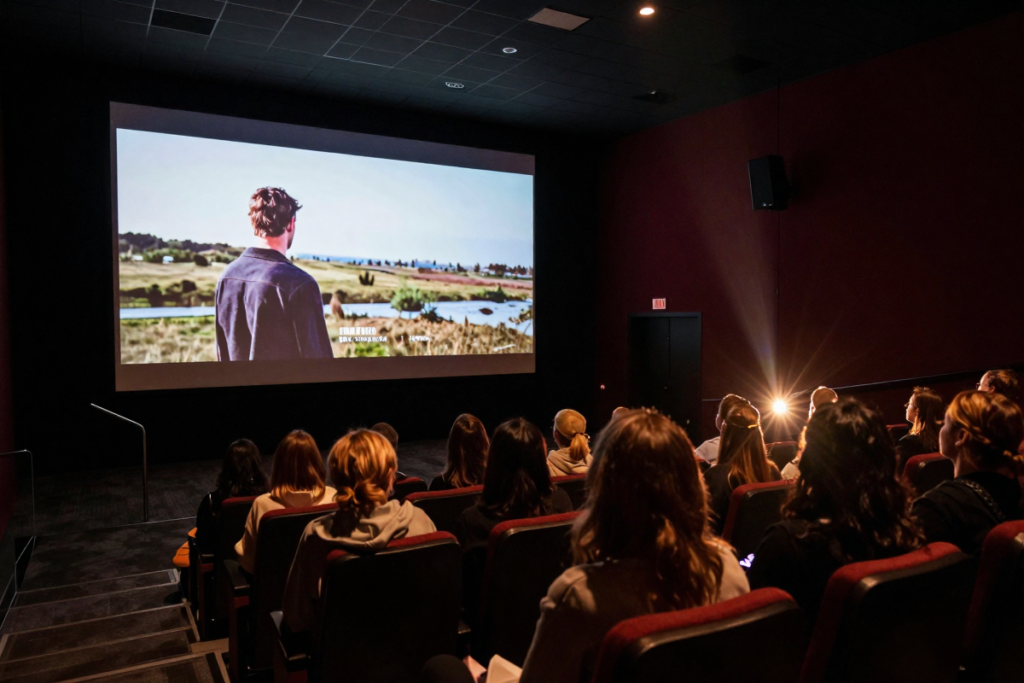
Don’t overlook festivals — even small ones. A festival selection is a credential that follows your film forever. FilmFreeway is the primary submission platform and lists hundreds of free-to-enter festivals. Look for:
- Student and first-time filmmaker categories
- Local and regional festivals
- Genre-specific festivals that match your film
Promote Your Film
- Post behind-the-scenes content throughout production — people love watching films get made
- Create a dedicated Instagram or TikTok account for your film
- Tag everyone involved so their networks see it
- Reach out to filmmaking blogs and YouTube channels — many feature short films from emerging creators
Common Mistakes to Avoid
Even with the best intentions, beginner filmmakers fall into these traps. Know them before you hit them:
- Overcomplicating the story — simplicity is a strength, not a compromise
- Ignoring audio quality — it will ruin an otherwise great film every single time
- Skipping pre-production — showing up to set without a shot list wastes everyone’s time
- Trying to do everything alone — even a one-person production needs at least one other person on set for safety and sanity
- Waiting until conditions are perfect — they never will be. Start imperfect.
Pro Tips to Make Your Film Look High Budget
These cost nothing but attention:
- Use depth — place something in the foreground of your shot. A blurry object in front of your subject instantly creates a cinematic, layered look.
- Stabilize everything — even gentle handheld shake reads as amateur. Use your tripod or brace your elbows against your body.
- Color grade your footage — even a slight grade in DaVinci Resolve transforms flat smartphone footage into something that looks intentional and polished.
- Cut to the beat — your edit rhythm matters. Watch your film on mute and see if the cutting feels natural.
- Strong story beats strong gear — a compelling character making a difficult decision is more cinematic than any lens or lighting rig money can buy.
Recommended Budget-Friendly Filmmaking Gear
For those ready to invest a little to level up significantly, here are the categories worth prioritizing:
| Category | Budget Pick | Why It Matters |
|---|---|---|
| Tripod | [Amazon Basics 60-Inch Tripod] | Stability = professionalism |
| Lavalier Mic | [Rode Lavalier GO] | Clean dialogue is everything |
| Shotgun Mic | [Movo VXR10 Universal Shotgun Mic for Camera] | Better for run-and-gun shooting |
| LED Light Panel | [Budget 3-Light LED Kit] | Control over your image |
| Phone Lens Kit | [NEEWER LS-75 1.55X Blue Flare Anamorphic Phone Camera Lens] | Cinematic look from your phone |
| Editing Software | [DaVinci Resolve (FREE) or (PAID UPGRADE)] | Pro features without pro prices |
Frequently Asked Questions
Can you make a film with no money?
Absolutely. Thousands of filmmakers produce short films every year with zero budget using smartphones, free editing software, and volunteer cast and crew. The key is a simple, well-planned script and strong pre-production.
What camera should I use as a beginner?
Use whatever you already own. A modern iPhone or Android flagship phone is more than capable of producing cinematic footage. Focus on your story, lighting, and audio before worrying about upgrading your camera.
How long should a short film be?
Most short films run between 5 and 20 minutes. For a no-budget first film, aim for 5 to 10 minutes. Shorter films are easier to produce, easier to edit, and more likely to get programmed at festivals.
Do I need permits to film in public?
It depends on your location and the scale of your shoot. Most jurisdictions require permits for commercial productions or large crews in public spaces. A small group with minimal equipment is often overlooked, but always research your local regulations and get written permission when possible.
What is the best free editing software for short films?
DaVinci Resolve is the industry standard recommendation for no-budget filmmakers — it’s completely free and includes professional-grade color grading tools. iMovie is a strong beginner option for Mac users.
How do I find actors for a no-budget short film?
Start with friends and family, then expand to local theater groups, film school students, and social media filmmaking communities. Many aspiring actors will work for free in exchange for footage they can use in their own demo reels.
Final Thoughts: Start This Week
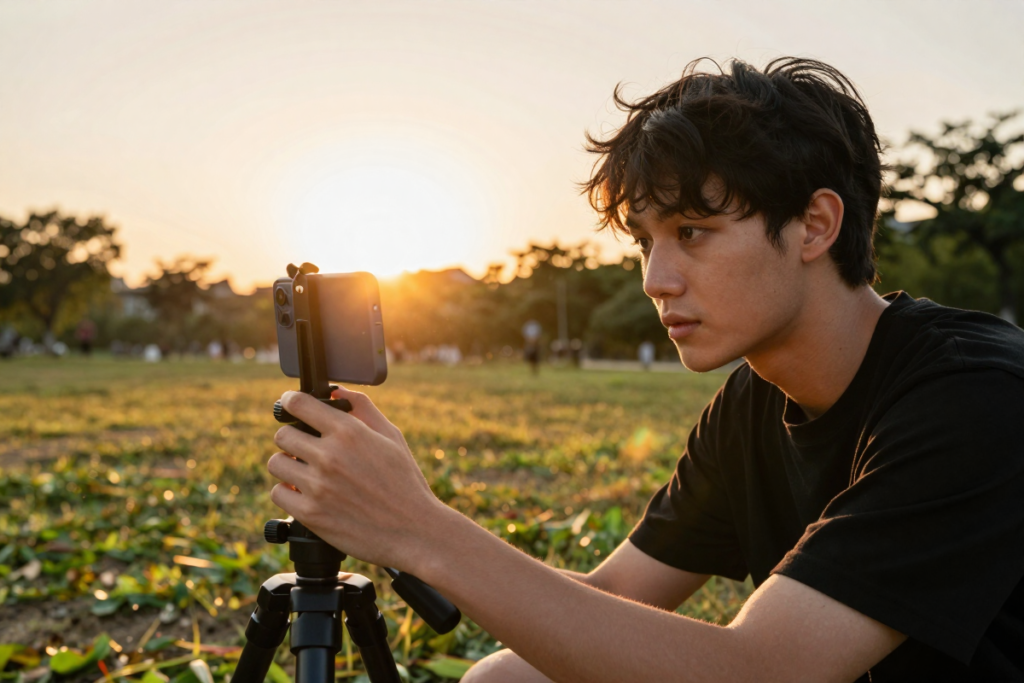
Here’s what separates filmmakers from people who want to be filmmakers: action.
You now have everything you need to make a short film with no budget. You have the step-by-step process from script to screen. You have the tool recommendations, the production tips, the distribution strategy, and the mindset shift that makes it all possible.
The only thing left is to start. Not next month. Not when the weather is better or when you’ve saved up for better gear. This week.
Write your one-page script tonight. Text two friends tomorrow. Pick a shooting date by Friday.
Every filmmaker you admire made their first film before they were ready. That’s the secret. You don’t need to be ready. You need to begin.
Disclaimer: This article contains affiliate links. If you purchase an item through the link I will earn a small commission at no extra cost to you.
Leave a Reply