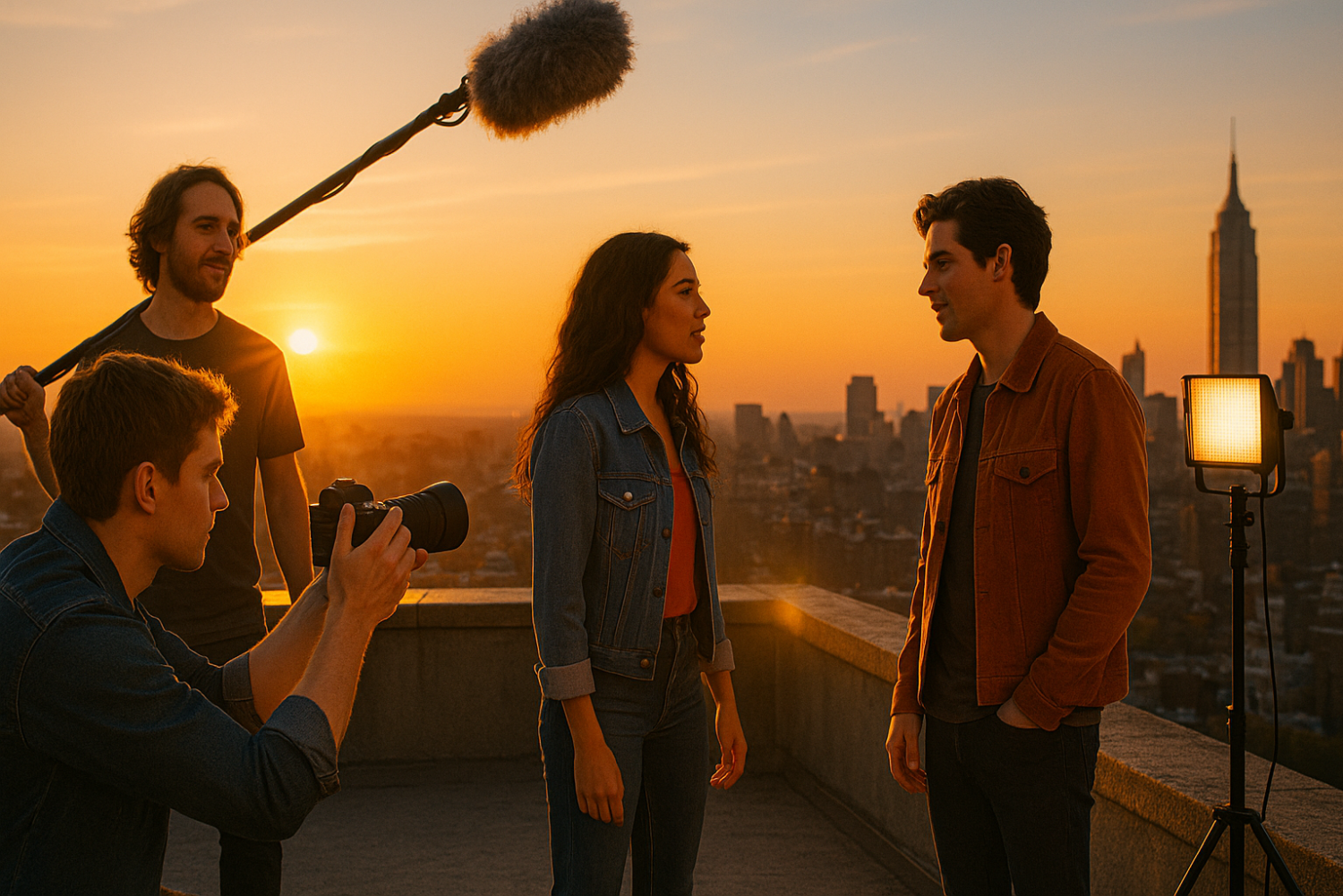
The landscape of independent filmmaking has undergone a seismic shift. Gone are the days when you needed to live in Los Angeles or New York to connect with talented cinematographers, editors, or sound designers. Today, how to collaborate online with indie filmmakers has become not just possible, but often preferable to traditional local crew arrangements.
If you’ve ever felt limited by your geographic location or struggled to find reliable collaborators in your area, you’re not alone. Many aspiring filmmakers face the same challenge: brilliant ideas trapped by lack of local resources. But here’s the good news—the internet has transformed filmmaking into a truly borderless creative pursuit.
In this comprehensive guide, you’ll discover the platforms, tools, and strategies that enable remote filmmaking collaboration without spending a dime. Whether you’re looking to co-write a screenplay with someone across the country, find an editor for your short film, or build an entire virtual production team, you’ll find everything you need to start collaborating today.
Why Online Collaboration Is Changing Indie Filmmaking
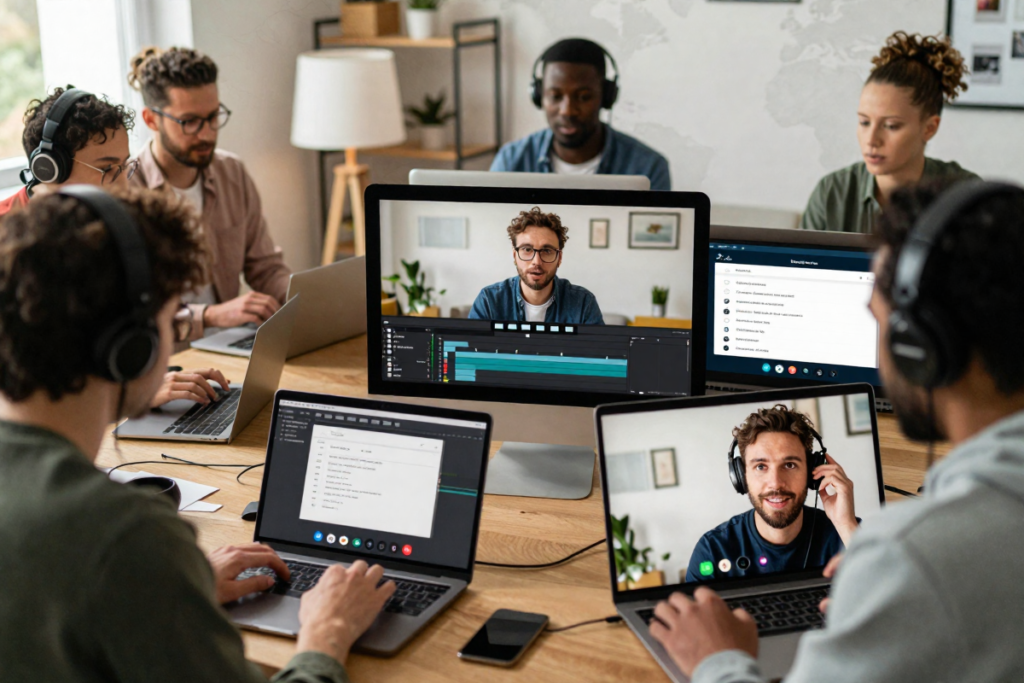
The shift from local crews to global digital teams represents one of the most democratizing changes in film history. Independent filmmakers no longer need to compromise on talent based on who lives within driving distance.
The Benefits Are Undeniable
Access to diverse talent tops the list of advantages. Need a composer who specializes in synth-wave soundtracks? A colorist experienced with noir aesthetics? They’re out there, and they’re often eager to collaborate on passion projects. This global talent pool means you can assemble your dream team based on skills and creative vision rather than zip codes.
Lower production costs make ambitious projects feasible. When collaborators work remotely, you eliminate travel expenses, equipment rentals in expensive markets, and location fees. Many indie filmmakers have produced festival-quality short films for under $500 by leveraging online collaboration and cloud-based workflows.
Faster project scaling becomes possible when you’re not limited by scheduling local meetups. Asynchronous collaboration means your editor in Tokyo can work while you sleep, your sound designer in Berlin can layer audio during their afternoon, and you can review everything during your morning coffee.
Real Success Stories
The 2019 short film “Proximity” started as a Reddit collaboration between a director in California and a VFX artist in Canada—it eventually garnered millions of views. Horror anthology “The Isolation Horrors” was created entirely remotely during 2020 by filmmakers who’d never met in person, screening at multiple film festivals.
These aren’t outliers. Virtual film production collaboration has produced web series, documentaries, experimental films, and proof-of-concept shorts that have launched careers and secured funding for larger projects.
The AI-Assisted Advantage
Cloud workflows now integrate AI-assisted editing tools, automated color correction, and even AI scriptwriting assistants that multiple collaborators can access simultaneously. Remote pre-production tools like virtual storyboarding apps and shot list generators ensure everyone shares the same creative vision before a single frame is captured.
Where to Find Indie Filmmakers Online (Core Discovery Platforms)
Finding the right collaborators represents your first crucial step. Fortunately, passionate filmmaker communities thrive across the internet, many specifically designed for indie film networking.
Filmmaker Communities & Forums
Reddit filmmaking communities offer some of the most active and helpful spaces. Subreddits like r/Filmmakers (500K+ members), r/IndieFilm, r/FilmIndustryLA, and r/ProduceMyScript feature daily collaboration posts. Create a compelling pitch post with your project details, and you’ll often receive responses within hours. The key is being specific about what you need and what you’re offering.
Discord servers for indie filmmakers have exploded in popularity. Servers like “Film Riot Community,” “Indie Film Hustle,” and “Frame.io Community” host thousands of active members discussing projects, sharing resources, and posting collaboration opportunities. Discord’s real-time chat and voice channels make it ideal for building ongoing relationships rather than one-off connections.
Facebook groups for film collaboration remain surprisingly effective despite the platform’s age. Groups like “Filmmakers, Actors, Editors, Composers Network” (50K+ members), “No Budget Filmmaking,” and “Independent Filmmaker Group” post dozens of collaboration requests daily. Search for groups specific to your genre—horror, documentary, experimental—for more targeted networking.
Portfolio & Creative Platforms
Vimeo communities attract serious filmmakers who prioritize quality. Browse the Staff Picks and Vimeo Groups to find creators whose aesthetic matches your vision. Don’t just watch—comment thoughtfully, start conversations, and gradually build relationships. Vimeo’s professional user base often means connecting with more experienced collaborators.
YouTube indie creators represent an enormous untapped resource. Filmmakers who post behind-the-scenes content, tutorials, or short films publicly signal they’re active and engaged. Search for indie filmmakers in specific niches (micro-budget sci-fi, documentary, etc.), then reach out via comments or email with genuine appreciation before proposing collaboration.
Behance and ArtStation for motion creatives showcase editors, motion designers, VFX artists, and cinematographers. Their portfolios reveal skill levels instantly, and many list “open to collaboration” in their profiles. These platforms work best for finding post-production talent rather than directors or producers.
Collaboration-Specific Platforms
Several platforms exist specifically for film collaboration and networking:
- Stage 32 bills itself as “LinkedIn for film” with 800K+ members including filmmakers at all levels seeking projects
- ProductionHub connects crew members with productions, featuring a robust search system
- Shooting People (primarily UK-focused but international) sends daily bulletins of collaboration opportunities
- Mandy.com lists crew calls and collaboration posts, with both free and premium tiers
[Film Networking Platform Subscription]
Each platform has its culture and strengths. Stage 32 skews more professional, while Reddit feels more grassroots. Test multiple platforms to find where your creative tribe hangs out.
Best Free Tools for Remote Film Collaboration
The right tools can make the difference between smooth collaboration and frustrating chaos. Fortunately, free tools for indie filmmakers have never been more powerful or accessible.

Communication Tools
Discord has become the default hub for remote film crews. Create a project-specific server with channels for general discussion, script development, shot planning, post-production, and more. Voice channels enable virtual production meetings, screen sharing facilitates script readings, and the threading feature keeps conversations organized. Best of all, it’s completely free with unlimited members.
Slack (free plan) offers a more professional interface that some teams prefer. The free version limits message history to 90 days but includes all essential features: channels, direct messaging, file sharing up to 5GB total storage, and integrations with other tools. Slack excels for teams juggling multiple projects simultaneously.
Zoom, Google Meet, and Microsoft Teams all offer free video conferencing. Google Meet allows meetings up to 60 minutes with unlimited participants (extended from pandemic-era policies). Zoom’s free tier limits group meetings to 40 minutes but offers better screen sharing quality for reviewing edits. Use whichever your team already has accounts for to minimize friction.
Project Management Tools
Trello provides the visual, Kanban-style workflow that filmmakers love. Create boards for each project phase—development, pre-production, production, post—with cards representing individual tasks. Drag cards through lists like “To Do,” “In Progress,” and “Complete.” Add checklists, due dates, attachments, and team member assignments. The free version handles unlimited cards and up to 10 boards per workspace.
Notion has revolutionized how indie film teams organize information. This all-in-one workspace combines notes, databases, wikis, and project management. Create a production bible containing your script, character breakdowns, location details, shot lists, and schedule—all searchable and collaborative. Templates specifically designed for filmmakers are available in Notion’s template gallery.
[Notion Filmmaker Templates Bundle]
ClickUp offers the most features in a free tier: unlimited tasks, unlimited members, 100MB storage, calendars, Gantt charts, and Kanban boards. The interface has a steeper learning curve than Trello but provides more sophisticated project tracking for larger productions.
File Sharing & Media Collaboration
Google Drive (15GB free) works perfectly for scripts, shot lists, call sheets, and reference materials. Real-time collaborative editing in Google Docs revolutionizes scriptwriting—multiple writers can work simultaneously with color-coded edits and comment threads. For larger video files, Google Drive’s upload speeds can frustrate, but for documents it’s unbeatable.
Frame.io deserves special attention as the industry-standard video review platform. The free tier includes 2GB storage and allows unlimited reviewers to leave time-stamped comments directly on video timelines. Your editor uploads a cut, and team members can annotate specific frames with feedback—eliminating the confusion of “around the 3-minute mark, maybe?” comments.
Dropbox (2GB free, expandable to 16GB through referrals) offers faster upload speeds than Google Drive for many users. The selective sync feature lets editors download only the files they need rather than entire folders, crucial when working with large video files.
WeTransfer (free transfers up to 2GB) excels for one-time file deliveries. Send rough cuts, raw footage exports, or sound files without requiring recipients to create accounts.
Writing & Pre-Production Tools

AI scriptwriting tools have matured significantly. WriterSolo offers free AI-powered script assistance including dialogue suggestions, plot hole detection, and character consistency checking. Sudowrite (limited free version) helps overcome writer’s block with scene continuation suggestions that maintain your voice.
[AFFILIATE PLACEHOLDER: Premium AI Screenwriting Software]
Celtx provides free scriptwriting with industry-standard formatting, character breakdowns, and scheduling features. Multiple collaborators can work on scripts simultaneously, though some advanced features require paid plans.
Storyboarder (by Wonder Unit) is completely free, open-source storyboarding software. Sketch shots directly or import images, add shot numbers and notes, then export animatics or PDFs to share with your team.
Shot Lister (free web app) helps organize your shot lists with sorting by scene, location, or shooting day. Export to PDF or share links with crew members.
The tool combination that works best depends on your team’s preferences and technical comfort. Start with one tool in each category, then adjust based on actual workflow needs rather than collecting tools you’ll never use.
How to Actually Start a Remote Collaboration (Step-by-Step Process)
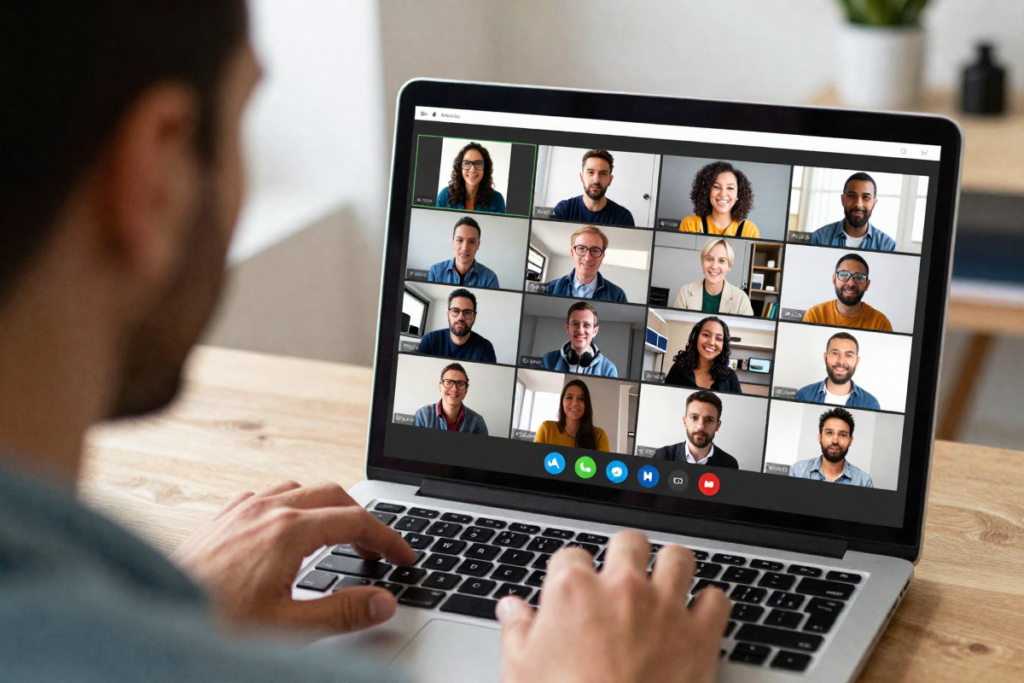
Theory means nothing without execution. Here’s the proven framework for launching your first successful online collaboration.
Step 1: Define Your Project Clearly
Vague ideas attract vague commitments. Before recruiting anyone, crystallize exactly what you’re creating. Specify:
- Genre and tone: “Dark comedy short” is clearer than “comedy”
- Length: “8-10 minute short” sets realistic scope expectations
- Timeline: “Shooting in 3 months, release in 6 months” shows you’re organized
- Budget: Even “$0 budget passion project” provides crucial context
- Your role: “I’m directing and producing” clarifies what help you need
Write this down. Seriously. Projects with written parameters have dramatically higher completion rates than those living only in your head.
Step 2: Create a Simple Pitch Kit
You need something more compelling than “anyone want to help with my film?” Build a basic pitch kit:
Logline: One sentence capturing the core story. Example: “A lonely astronaut discovers her mission control has been dead for years, and someone else has been responding to her transmissions.”
Moodboard: Collect 6-10 images representing the visual style. Use free tools like Canva or simply a Pinterest board. This single element attracts cinematographers and production designers more than any written description.
Short script or concept video: If you have a script (even just the first few pages), share it. If not, record a 60-second video explaining the concept and why it excites you. Passion is contagious.
What you’re seeking: List specific roles—”Looking for: editor (DaVinci Resolve), composer (moody electronic), and production designer.”
This preparation takes 2-3 hours but multiplies your response rate tenfold.
Step 3: Post and Recruit Collaborators
Now share your pitch across multiple platforms simultaneously:
Reddit: Post to r/Filmmakers, r/IndieFilm, and role-specific subreddits (r/FilmEditors, r/Screenwriting). Use a clear title: “[SEEKING COLLABORATORS] Dark Comedy Sci-Fi Short – Remote Production”
Discord: Share in collaboration channels of filmmaking servers, customizing your message for each community’s culture
Facebook groups: Post during peak hours (Tuesday-Thursday evenings) when engagement runs highest
Platform-specific sites: Create project listings on Stage 32, Mandy, and ProductionHub
Include your moodboard link, logline, and clear next steps: “If interested, DM me with portfolio links and we’ll schedule a 15-minute video chat.”
Step 4: Vet Your Team
You’ll receive responses ranging from seasoned professionals to enthusiastic beginners. Vet thoughtfully:
Portfolio review: Watch their previous work. Does their style match your vision? Don’t expect $100K production values, but assess storytelling sense and technical competence.
Small test tasks: Before committing to an entire project, assign a small task. Ask potential editors to cut a 30-second scene you provide. Request composers share a 20-second demo in your desired mood. This reveals both skill and responsiveness.
Video conversation: A 15-minute video call answers crucial questions: Are they communicative? Do creative visions align? Can you work together for months? Trust your gut—personality mismatches derail more projects than skill gaps.
Check availability: Confirm they can actually dedicate time. Someone with three other projects won’t prioritize yours, regardless of talent.
Step 5: Set Workflow Expectations
Before any creative work begins, align on operational details:
Communication frequency: “We’ll have video check-ins every Sunday at 3pm EST, with async updates in Discord throughout the week.”
File formats and specs: “Shoot in 4K 24fps, deliver ProRes exports for editing, use frame.io for review.”
Deadlines: Create a realistic schedule with buffer time. Remote collaboration always takes longer than you estimate.
Decision-making process: “I’ll provide feedback within 48 hours. If you don’t hear from me, proceed based on previous direction.”
Credit and ownership: Discuss upfront how credits will appear and who owns what. Write it down. This conversation prevents 90% of future conflicts.
Document everything in your Notion workspace or shared Google Doc. Refer back when questions arise.
How to Manage a Remote Film Crew Successfully
Even with perfect tools, remote teams face unique challenges. These leadership strategies keep projects on track:
Avoiding Miscommunication
Over-communicate by default. What feels like redundancy ensures everyone stays aligned. Send meeting recaps via email, post summaries in Discord, and confirm decisions in writing.
Use visual references obsessively. Never say “make it more intense” when you can share a reference image or clip demonstrating exactly what you mean.
Establish a single source of truth. When your script lives in three different versions across email, Google Drive, and Dropbox, confusion inevitably follows. Designate one master location for each asset type.
Version Control for Video Files
Name files systematically: ProjectName_SceneNumber_Version_Date_Editor.mov
Example: DarkOrbit_Scene03_v4_2024-02-15_Sarah.mov
This simple discipline prevents disasters like “Wait, which cut did we approve?” Store version notes in accompanying text files explaining what changed.
Leadership Tips for Indie Directors
Respect everyone’s time. Remote collaborators often juggle day jobs and other projects. Start meetings on time, keep them focused, and let people drop when their portion concludes.
Celebrate small wins publicly. When your composer nails the opening theme, share it in the group channel with genuine praise. Recognition fuels volunteer motivation.
Make decisive choices. Analysis paralysis kills indie films. Gather input, then decide and move forward. Teams respect leaders who value their input while taking ownership of final decisions.
Keeping Motivation High Remotely
Long-term remote projects battle attrition. Combat it:
Share progress visibly: Post work-in-progress clips, behind-the-scenes updates, and milestones. Seeing the film take shape reminds everyone why they’re invested.
Create deadline urgency: Submit to a film festival, even a small one. External deadlines drive completion more effectively than self-imposed targets.
Build personal connections: Spend 10 minutes of each video call on non-film conversation. Teams who know each other as people collaborate better than those who don’t.
Honor contributions: Thank people specifically and publicly. Tag them when sharing updates on social media. Small gestures matter enormously to volunteers.
Common Mistakes in Online Film Collaboration
Learn from others’ failures to avoid these pitfalls:
Not defining roles clearly: When everyone thinks someone else is handling sound design, nobody handles sound design. Write down who’s responsible for what, even on tiny teams.
Overcomplicating the tool stack: Using Discord, Slack, Trello, Asana, Frame.io, Vimeo, and three other platforms simultaneously creates chaos. Start minimal and add tools only when clear needs emerge.
Ignoring time zones: Scheduling meetings at 9pm your time might be 3am for your editor in Europe. Use tools like World Time Buddy to find reasonable overlap hours, or embrace asynchronous workflows.
Poor file organization: Create a clear folder structure from day one:
text/ProjectName/Scripts/Pre-Production/Storyboards/Shot Lists/Production/Raw Footage/Post-Production/Edit Sequences/Sound/Color/Deliverables
Unrealistic expectations: Your free remote collaboration probably won’t match the production values of films with paid, in-person crews. Embrace limitations as creative constraints rather than fighting them.
Advanced Strategies: Scaling Your Remote Film Network
Once you’ve completed your first successful online collaboration, level up with these strategies:
Building a Recurring Collaborators Team
Don’t start from scratch for each project. Your first collaboration serves as an extended audition. The composer who delivered quality work on time becomes your first call for the next project. Over three or four films, you’ll develop a “digital film crew” of trusted collaborators who understand your vision and workflow.
Maintain these relationships between projects. Share articles they’d find interesting, comment on their new work, and check in occasionally. When you’re ready for your next film, you’ll have a team eager to reunite rather than recruiting strangers.
Creating a “Digital Film Crew”
Formalize your recurring group with a dedicated Discord server or Slack workspace. Share resources, critique each other’s non-shared projects, and stay creatively connected. Some of the most successful indie filmmaking collectives started as informal remote collaborations that evolved into ongoing partnerships.
Leveraging AI Tools for Scaling Production
AI tools enable small teams to achieve what previously required large crews:
- AI color grading (DaVinci Resolve’s free AI tools) provides professional starting points your colorist refines
- Automated transcription (Otter.ai free tier) converts dialogue to text for easier subtitle creation
- AI music generation (Soundraw, Mubert) creates royalty-free placeholder scores or even final tracks
- Background removal and VFX (Runway ML) simplifies green screen work and basic effects
Use AI to handle time-consuming technical tasks, freeing your team for creative decisions.
Building a Personal Filmmaker Brand Online

Document your collaboration process publicly. Share behind-the-scenes updates, lessons learned, and finished films on YouTube, Instagram, or TikTok. This serves three purposes:
- Attracts better collaborators who discover you through your content
- Builds an audience for your films before they release
- Creates opportunities as your visible work ethic and skills catch industry attention
Your online presence becomes your reputation in remote filmmaking communities.
Monetization Angle: When to Upgrade Your Tools
Start with free tools, but recognize when upgrades make financial sense:
Cloud storage upgrades become worthwhile when you’re sharing 4K footage regularly. Google One (100GB for $1.99/month) or Dropbox Plus (2TB for $11.99/month) eliminates constant storage juggling.
[Cloud Storage Plans Comparison]
Editing software subscriptions matter less than you’d think initially. DaVinci Resolve’s free version handles professional work. But Adobe Creative Cloud ($54.99/month) simplifies collaboration through shared libraries and Adobe’s cloud features once your projects generate income.
[Adobe Creative Cloud Subscription]
AI filmmaking tools often offer limited free tiers before requiring subscriptions. Evaluate whether a $20-30/month AI tool saves you 5+ hours monthly. If so, it’s worthwhile.
[AI Scriptwriting Software Subscription]
Project management upgrades become valuable for teams exceeding 5-6 people or juggling multiple projects. Notion Plus ($8/month) adds unlimited file uploads. ClickUp Unlimited ($5/month per user) removes storage restrictions.
[Project Management Software Upgrades]
The philosophy: start free, upgrade only when the free version’s limitations actively hinder your workflow. Many successful indie filmmakers never upgrade beyond free tiers.
Conclusion
Learning how to collaborate online with indie filmmakers has transformed from nice-to-have skill into essential knowledge for modern independent filmmakers. The barriers that once limited creative partnerships—geography, budget, access—have largely dissolved.
You now have the roadmap: platforms where passionate collaborators gather, free tools enabling professional workflows, and proven strategies for managing remote teams. The only remaining ingredient is your initiative.
Start small. Don’t wait for the perfect feature film idea. Collaborate on a 3-minute short film. Test these tools and workflows on a manageable project. You’ll learn more from completing one short film than from planning an epic that never happens.
The indie film community online is remarkably generous and collaborative. Post your first collaboration request this week. Join two new filmmaker communities. Download three of the tools mentioned above.
Your creative tribe exists out there—filmmakers with complementary skills who share your passion and vision. The technology to work together freely already exists. The only question remaining: what story will you tell together?
Ready to Start?
Join filmmaker communities today:
- Create accounts on Stage 32 and Mandy.com
- Join r/Filmmakers and r/IndieFilm on Reddit
- Find “Film Riot Community” and “Indie Film Hustle” on Discord
Try one collaboration platform this week:
- Set up a project workspace in Notion [Notion Templates]
- Create a Trello board for your next film idea
- Upload a test video to Frame.io and practice leaving feedback
Explore recommended tools:
- Download DaVinci Resolve for editing
- Try Storyboarder for your next project’s visual planning
- Experiment with WriterSolo’s AI script assistance
[Upgrade To The Feature Rich Paid Version of DaVinci Resolve Here!]
The remote filmmaking revolution isn’t coming—it’s here. Your next great collaborator might be reading this article right now, waiting for someone just like you to reach out with an exciting project.
What will you create?
Disclaimer: This article contains affiliate links. If you purchase an item through the link I will earn a small commission at no extra cost to you.
Leave a Reply