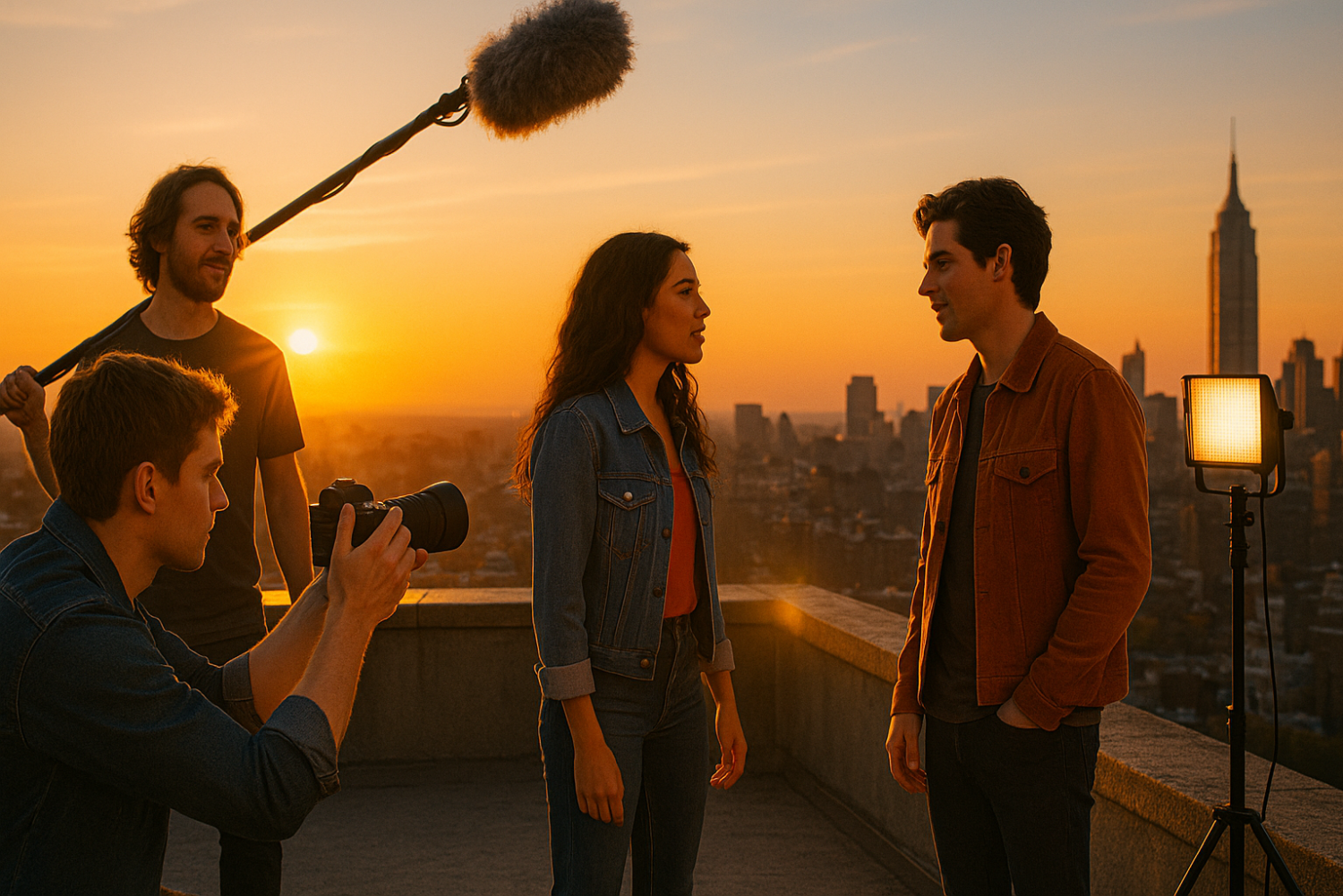
Everyone who has ever dreamed of making a movie has heard some version of the same discouraging myth: “You need money to make films.” Hollywood budgets in the hundreds of millions of dollars seem to confirm it. Big studios, A-list actors, professional camera rigs, elaborate sets — it all looks impossibly expensive from the outside.
But here’s the truth that working filmmakers already know: you don’t need money to make a movie. You need resourcefulness.
Robert Rodriguez shot El Mariachi for $7,000 and sold it to Columbia Pictures. Oren Peli made Paranormal Activity for roughly $15,000 in his own house — it went on to gross nearly $200 million worldwide. Kevin Smith maxed out credit cards to make Clerks for $27,575. And Sean Baker shot Tangerine entirely on an iPhone 5S. These weren’t flukes. They were proof of concept that no budget filmmaking works when creativity replaces cash.
In this step-by-step guide, you’ll learn exactly how to make a movie with no budget — from writing a script you can actually afford to shoot, all the way through editing, sound design, and distribution. No trust fund required. Just time, effort, and the willingness to start.
What Does “No Budget Filmmaking” Really Mean?
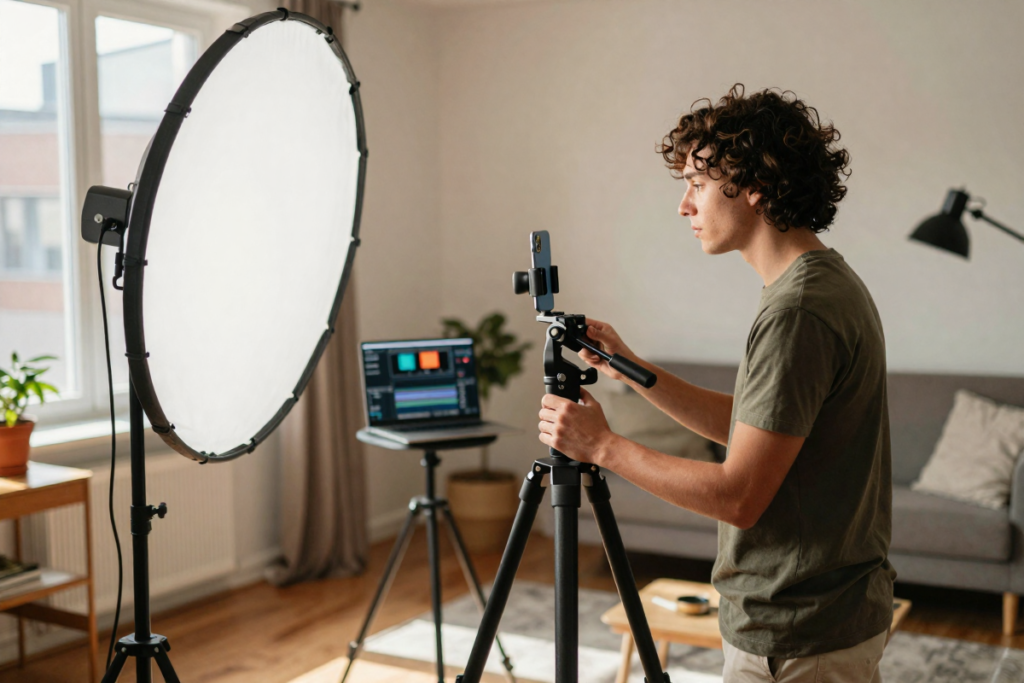
Before we dive in, let’s set realistic expectations — because “no budget” doesn’t mean “no work.” It actually means more work.
No budget filmmaking typically means you’re working with zero to a few hundred dollars, relying on what you already own, and trading financial investment for creative hustle. It’s different from low budget filmmaking, which might involve a few thousand dollars for equipment rentals, location fees, and minimal crew pay.
In zero budget filmmaking, the trade-offs are real:
- Limited gear — you work with what you have
- Smaller crew — often just you and a couple of trusted collaborators
- DIY everything — lighting, sound, catering, marketing
But the benefits are just as real:
- Complete creative freedom — no investors means no compromises
- Faster execution — fewer people, fewer logistics
- Massive skill-building — you’ll learn every department by necessity
Think of constraint-driven creativity as your superpower. The Dogme 95 filmmaking movement built an entire philosophy around it. Mumblecore directors turned micro-budget character studies into a celebrated film movement. Limitations force innovation. That’s where great films are born.
Step 1 – Start with a Script You Can Actually Afford

The single biggest mistake aspiring filmmakers make is writing a script they can’t shoot. If your screenplay calls for a car chase through downtown, a packed stadium, or elaborate CGI — you’re already over budget before day one.
Write for What You Have
The golden rule of no budget screenwriting: inventory your resources first, then write your story around them.
Ask yourself:
- What locations do I have access to for free? (Your home, a friend’s apartment, a public park)
- How many actors can I realistically recruit?
- Are there any scenes that require special equipment, stunts, or crowds?
A contained screenplay — one set in a single location with two or three characters — is your best friend. Think of films like Locke (one man in a car), Buried (one man in a coffin), or Coherence (a dinner party that goes sideways). Single location movie scripts aren’t a compromise. They’re a strategic choice that forces you to build tension through character and dialogue rather than spectacle.
Keep It Simple but Compelling
Simple doesn’t mean boring. The most powerful no budget stories are character-driven and dialogue-heavy — and those elements cost nothing.
Some minimalist story ideas that work beautifully on zero budget:
- Two friends reunite after years apart and discover they’ve grown apart in uncomfortable ways
- A person finds a phone that doesn’t belong to them and gets pulled into someone else’s crisis
- A single conversation in a single room that slowly reveals a shocking truth
💰 [AFFILIATE PLACEHOLDER: Scriptwriting software — e.g., Celtx, Final Draft, or WriterDuet]
Free option: Celtx offers a free tier for screenwriting and is excellent for beginners learning industry-standard formatting.
Step 2 – Use Free or Cheap Equipment (You Already Own More Than You Think)
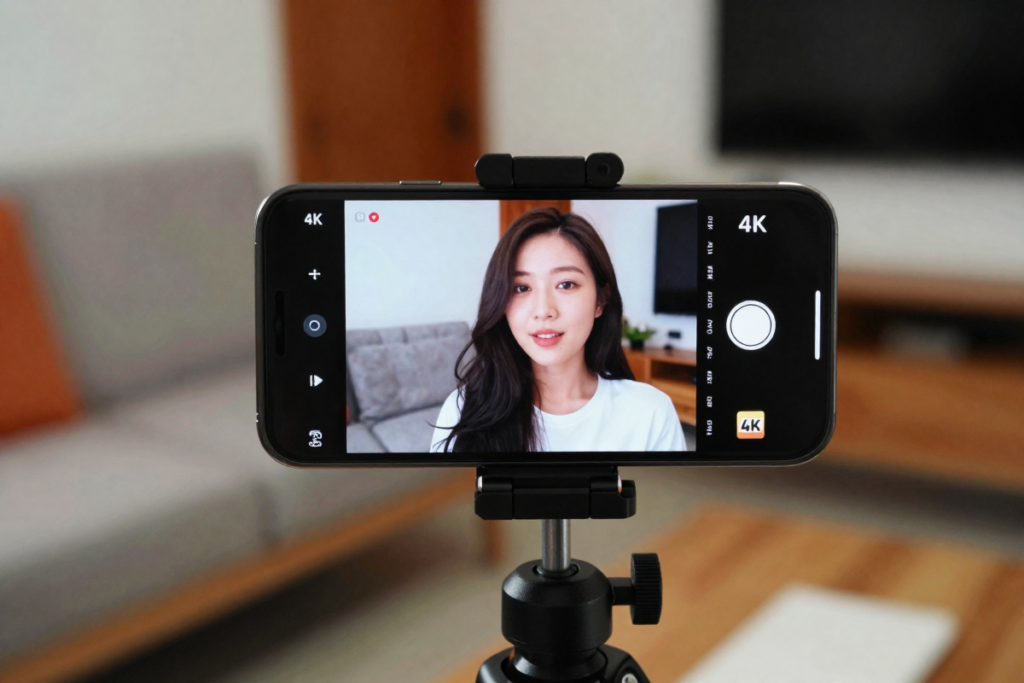
Here’s a question worth sitting with: Can I shoot a real movie using just my iPhone?
Yes. Absolutely yes.
Your Smartphone Is a Movie Camera
Modern smartphones shoot in 4K, offer manual controls through apps like Filmic Pro, and have sensor technology that would have been considered professional-grade just a decade ago. Tangerine, mentioned above, screened at the Sundance Film Festival. Shot on an iPhone 5S. The camera doesn’t make the movie — the story does.
Tips for shooting cinematic smartphone footage:
- Shoot in the highest resolution available and use manual settings if possible
- Lock your exposure and focus before every shot — auto settings cause distracting fluctuations
- Keep the phone horizontal (landscape orientation) for a cinematic aspect ratio
- Move slowly and deliberately — rushed handheld movement reads as amateur
Essential Budget Gear (Optional Upgrades)
If you have even a small amount to invest — or can borrow from friends — these items make the biggest difference in production quality:
- A tripod or gorilla pod — eliminates shaky footage instantly
- An external lavalier or shotgun microphone — audio quality matters more than video quality (more on this below)
- A reflector or basic LED light panel — gives you control over light in any environment
💰 [AFFILIATE PLACEHOLDER: Smartphone tripod — e.g., Joby GorillaPod or UBeesize tripod]
💰 [AFFILIATE PLACEHOLDER: Lavalier microphone — e.g., Rode SmartLav+, BOYA BY-M1]
💰 [AFFILIATE PLACEHOLDER: LED ring light or portable LED panel — e.g., Neewer, Elgato Key Light]
Step 3 – Find Free Locations and Talent
Locations You Can Use for Free
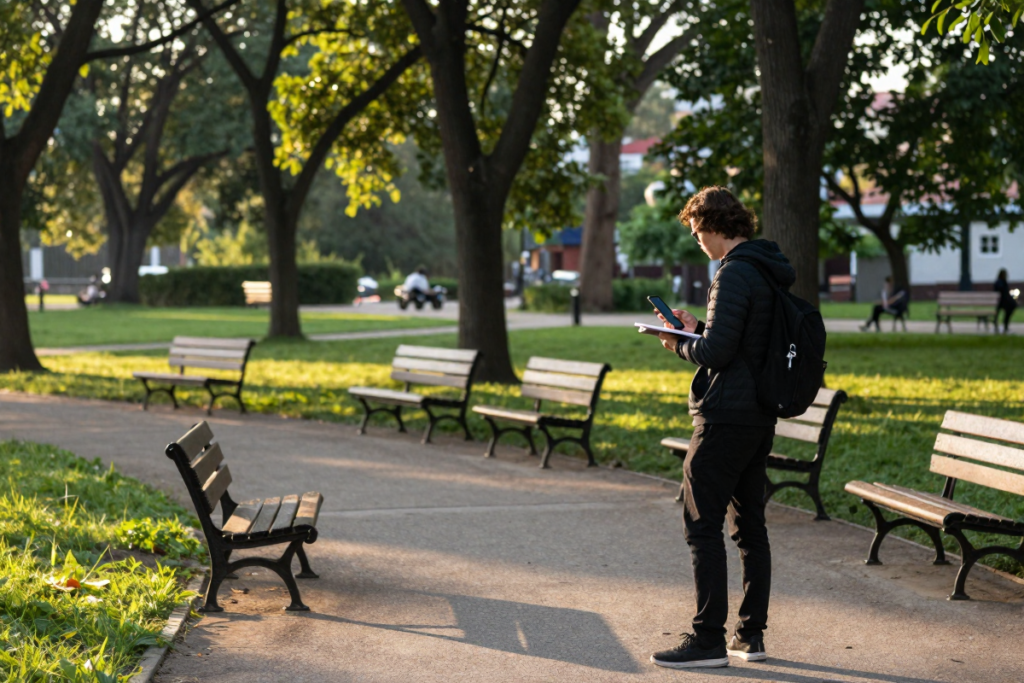
Your home is your first film set. Your friend’s apartment is your second. A public park, a coffee shop with a cooperative owner, a parking garage at 6 AM — these are all viable, zero-cost locations that working indie filmmakers use constantly.
Practical tips:
- Scout locations before writing — then write scenes tailored to what you find
- For public spaces, research local filming permit requirements. Many cities allow small crews to film without a permit, but it varies by location. Always check to avoid costly disruptions on shoot day
- Ask local businesses if you can film during off-hours in exchange for a screen credit or social media mention
Casting Without a Budget
Learning how to find actors willing to work for free is one of the most important skills in no budget filmmaking. The good news: there’s a large community of aspiring actors who want exactly what you’re offering.
Where to find them:
- Local theater groups and drama departments — passionate performers looking for screen experience
- Casting Call websites — [AFFILIATE PLACEHOLDER: Casting networks or filmmaking community platforms]
- Facebook groups and Reddit communities (r/filmmakers, r/acting)
- Your own social network — non-actors can be surprisingly compelling on camera when properly directed
Collaboration Over Payment
What you lack in cash, you make up for in value. Offer your collaborators:
- Portfolio material — high-quality footage they can use for their own demo reels
- On-screen credits — these matter for early-career actors and crew
- Meals on set — homemade food shows respect and builds genuine team morale
- Networking — introductions, recommendations, and genuine relationship-building
Step 4 – Learn Basic Cinematography Without Expensive Gear
Lighting Hacks
Professional-looking cinematography isn’t about expensive lights — it’s about understanding light and working with what’s available.
Natural light techniques:
- Shoot during the “golden hour” (the hour after sunrise and before sunset) for warm, cinematic light
- Position subjects near windows for soft, diffused indoor lighting
- Use a cheap white foam board as a bounce card to fill in shadows — this costs less than $5 and makes a visible difference
DIY lighting setups:
- A desk lamp with a warm bulb behind diffusion material (a white bedsheet works) creates soft, flattering light
- Practical lights (lamps that appear in the scene) add depth and realism while serving as light sources simultaneously
Camera Angles and Movement That Look Professional
Even with a phone on a tripod, deliberate composition elevates your film. Learn these basics:
- Rule of thirds — position subjects off-center for more dynamic framing
- Low angles convey power; high angles convey vulnerability — use them intentionally
- Slow push-ins (moving the camera slowly toward the subject) build tension during dialogue
Sound Matters More Than Video
This is the most important technical rule in no budget filmmaking: audiences will forgive mediocre visuals, but they will not forgive bad audio.
Bad sound immediately signals “amateur.” Good sound makes even phone footage feel credible.
How to record clean sound cheaply:
- Get your microphone as close to the speaker as possible without it entering frame
- Eliminate background noise — turn off fans, air conditioners, and refrigerators before recording
- Record a room tone (30 seconds of silence in every location) for use in post-production editing
💰 [AFFILIATE PLACEHOLDER: Budget shotgun microphone — e.g., Rode VideoMicro, Deity V-Mic D3]
💰 [AFFILIATE PLACEHOLDER: Portable audio recorder — e.g., Zoom H1n, Tascam DR-40X]
💰 [AFFILIATE PLACEHOLDER: 5-in-1 reflector kit]
Step 5 – Shoot Efficiently (Time = Money, Even When There’s No Money)
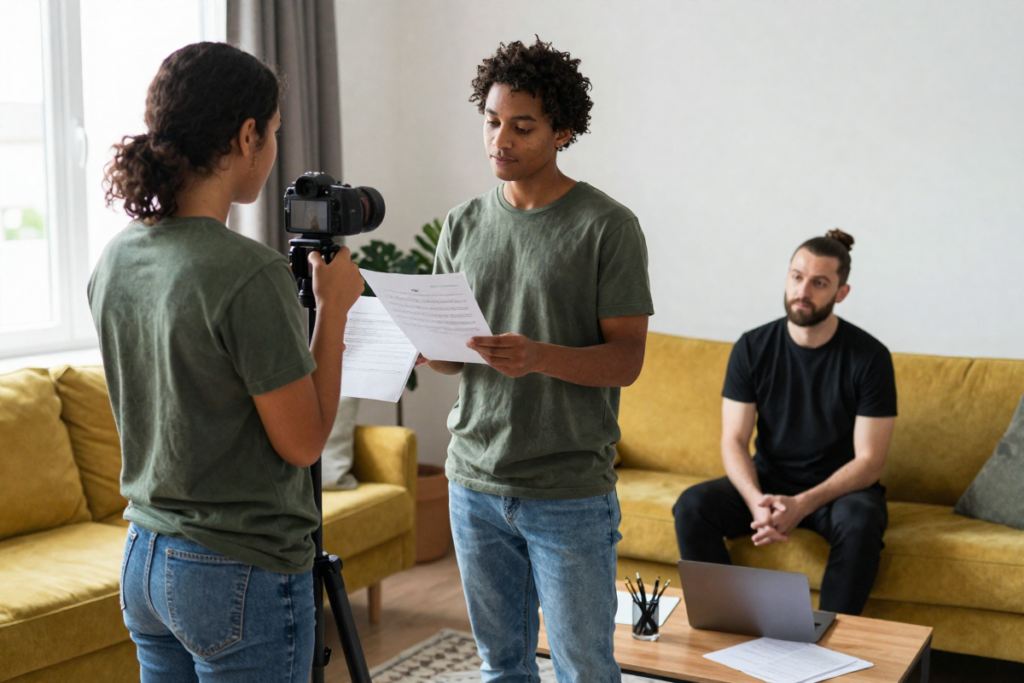
In no budget filmmaking, time is your most valuable resource. Wasted shooting days kill momentum and exhaust your volunteer crew.
Plan every shoot day in advance:
- Create a detailed shot list — every shot you need, in order
- Draw rough storyboards — even stick figures help you visualize scenes and stay on track
- Batch scenes by location — shoot everything in the kitchen on the same day, even if those scenes appear at different points in the story
- Avoid reshoots at all costs — watch playback on set to confirm each shot before moving on
Sample One-Day Shooting Schedule:
| Time | Activity |
|---|---|
| 8:00 AM | Crew call, setup, lighting check |
| 9:00 AM | Shoot Scene 3 (kitchen argument) |
| 11:00 AM | Shoot Scene 7 (kitchen phone call) |
| 12:30 PM | Lunch break |
| 1:30 PM | Move to living room, reset lighting |
| 2:00 PM | Shoot Scenes 1 and 5 |
| 5:00 PM | Wrap, backup all footage |
Step 6 – Edit Your Movie Using Free Software
Post-production is where no budget filmmakers have never had it better. Professional-grade editing software is available completely free.
Best Free Editing Tools
- DaVinci Resolve — The industry standard. Completely free. Includes color grading, audio mixing, and visual effects. Used on professional Hollywood productions. Steep learning curve but enormously powerful
- iMovie (Mac/iOS) — Beginner-friendly, intuitive, and great for first-time editors
- CapCut — Excellent for short-form content and social media cuts
- HitFilm Express — Free editing with built-in visual effects tools, great for genre films
Basic Editing Workflow
- Import and organize all footage into clearly labeled folders (Scene 1, Scene 2, etc.)
- Build your rough cut — assemble all scenes in order without worrying about fine-tuning
- Trim and refine — tighten every scene, cut anything that doesn’t serve the story
- Add music and sound effects (see Step 7)
- Color correct and color grade — DaVinci Resolve makes this accessible even for beginners
💰 [AFFILIATE PLACEHOLDER: Paid editing software upgrade — e.g., DaVinci Resolve Studio, Adobe Premiere Pro]
💰 [AFFILIATE PLACEHOLDER: Stock music subscription — e.g., Artlist, Musicbed, Epidemic Sound]
Step 7 – Add Music, Sound Effects, and Polish
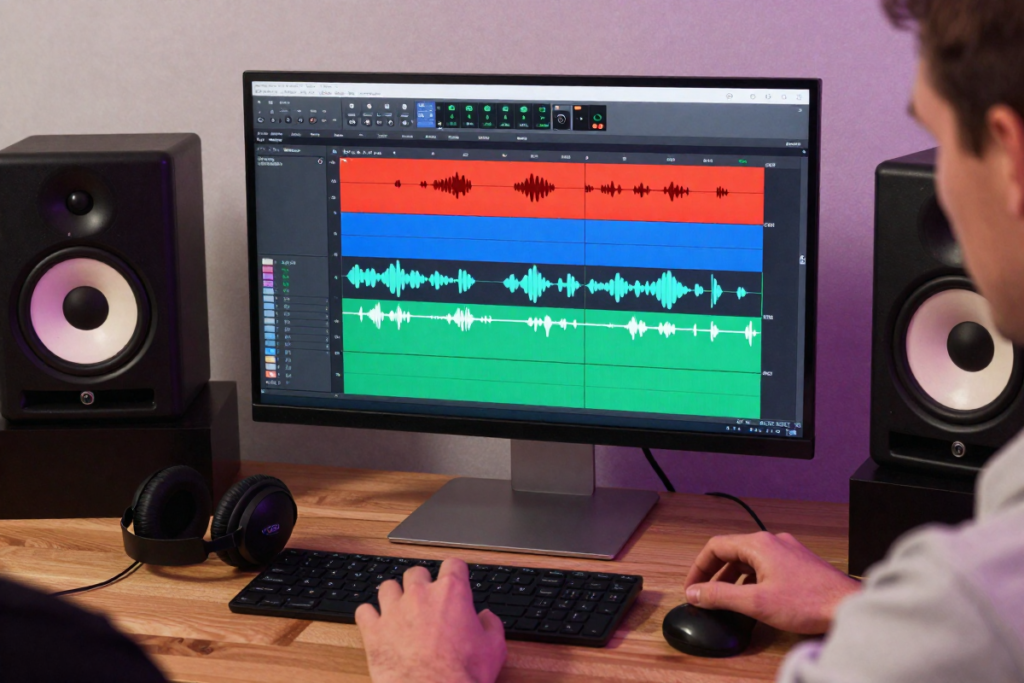
Sound design is what separates a rough cut from a finished film. Atmospheric sound, subtle effects, and a well-chosen music score communicate emotion in ways that visuals alone cannot.
Where to find free and legal audio:
- Free Music Archive (freemusicarchive.org) — creative commons licensed music
- YouTube Audio Library — free music and sound effects for any use
- Freesound.org — thousands of free sound effects
- Pixabay Music — royalty-free tracks with no attribution required
⚠️ Copyright warning: Never use commercial music without a license — even in a “no budget” film. Copyright claims on YouTube will strip your monetization or remove your video entirely. Always use royalty-free or creative commons music.
💰 [AFFILIATE PLACEHOLDER: Royalty-free music platform — e.g., Artlist.io, Epidemic Sound]
💰 [AFFILIATE PLACEHOLDER: Sound effects library — e.g., Soundsnap, ZapSplat Pro]
Step 8 – Distribute Your Film for Free
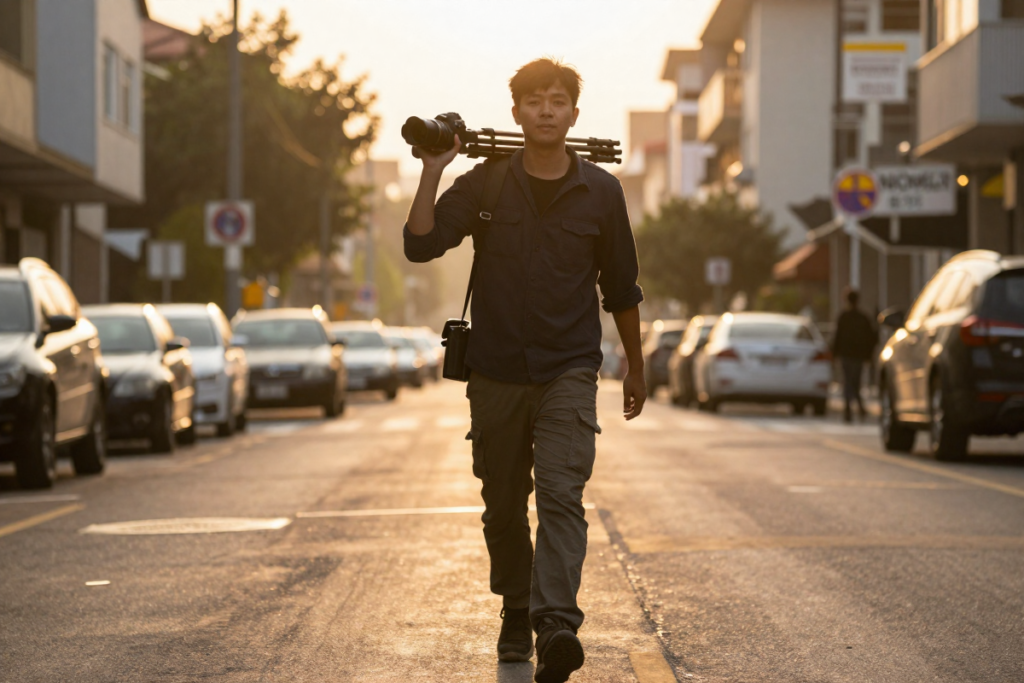
Finishing your movie is a massive achievement. Now get it seen.
Online Platforms
- YouTube — The world’s second-largest search engine and the most accessible platform for indie film distribution. Build a channel, optimize your title and description with keywords, and grow an audience organically
- Vimeo — More filmmaker-focused, with a higher-quality presentation and a community that takes independent film seriously
- Instagram and TikTok — Share clips, behind-the-scenes content, and trailers to build anticipation before and after release
Film Festivals (Even on a Budget)
Don’t assume film festivals are out of reach. Many have free or reduced-cost submission tiers for student and micro-budget films.
- [EXTERNAL LINK: FilmFreeway] — the most comprehensive film festival submission platform, with filters for free-to-submit festivals
- Look for local and regional festivals — they’re easier to get into and often more accessible to emerging filmmakers
- A festival selection, even a small one, adds credibility to your filmmaker profile and opens doors
Build an Audience Before and During Production
Don’t wait until your film is finished to start marketing it. Document your production journey:
- Share behind-the-scenes photos and videos on Instagram and TikTok
- Post progress updates and challenges — authenticity builds connection
- Create a simple email list so interested followers can be notified at release
Real Examples of No-Budget Success Stories
Paranormal Activity (2007) — Oren Peli shot this found footage horror film in his own house over one week for approximately $15,000. The film grossed $193 million worldwide. Its success proved that atmosphere and tension matter infinitely more than production value.
Clerks (1994) — Kevin Smith shot this black-and-white comedy at the convenience store where he actually worked, filming at night after his shift. He financed it on credit cards and by selling his comic book collection. It premiered at Sundance and launched his entire career.
Tangerine (2015) — Sean Baker’s vibrant, kinetic drama was shot entirely on iPhone 5S cameras with an anamorphic lens adapter. It screened at Sundance and received widespread critical acclaim, demolishing the notion that smartphone footage can’t be taken seriously.
The common thread across all of these: a specific, human story told with creativity and commitment — not cash.
Common Mistakes to Avoid

- Bad audio quality — this single issue will kill audience engagement faster than any other technical flaw
- Overly ambitious scripts — writing scenes you can’t execute leads to compromised footage and frustration
- Poor planning — showing up without a shot list wastes time and exhausts your team
- Perfectionism paralysis — your first film won’t be perfect. That’s not the goal. The goal is finishing
- Giving up too early — every filmmaker who succeeded pushed through the moment they wanted to quit
Recommended Tools for No Budget Filmmakers
These tools are completely optional — but they’ll make your filmmaking life significantly easier.
Gear
- 💰 [AFFILIATE PLACEHOLDER: Smartphone tripod]
- 💰 [AFFILIATE PLACEHOLDER: Lavalier or shotgun microphone]
- 💰 [AFFILIATE PLACEHOLDER: Portable LED lighting kit]
- 💰 [AFFILIATE PLACEHOLDER: 5-in-1 reflector]
Software
- 💰 [AFFILIATE PLACEHOLDER: Screenwriting software — Celtx, Final Draft]
- 💰 [AFFILIATE PLACEHOLDER: Editing software upgrade — DaVinci Resolve Studio]
- 💰 [AFFILIATE PLACEHOLDER: Royalty-free music subscription — Artlist, Epidemic Sound]
Learning Resources
- 💰 [AFFILIATE PLACEHOLDER: Filmmaking course — MasterClass, Udemy, Skillshare]
- [EXTERNAL LINK: Robert Rodriguez’s Rebel Without a Crew] — required reading for every zero budget filmmaker
Final Thoughts – You Don’t Need Money, You Need Momentum
The barrier to making a movie has never been lower in the history of cinema. The camera in your pocket is more capable than the equipment used to shoot films that changed the world. Free editing software gives you tools that professional editors paid thousands for a decade ago. Distribution platforms give you a global audience with zero upfront cost.
What stops most aspiring filmmakers isn’t money. It’s waiting.
Waiting for the right camera. Waiting for the right script. Waiting for the right moment. The filmmakers who succeed aren’t the ones with the biggest budgets — they’re the ones who started before they were ready, finished what they started, and kept going.
Your first film won’t be perfect. It doesn’t need to be. It needs to exist.
Start Today
You now have a complete roadmap for how to make a movie with no budget — from writing a contained, filmable screenplay to distributing your finished film on platforms that reach millions of viewers worldwide.
Here’s what to do right now:
- Open a free screenwriting tool and write your first scene — just one scene, today
- Scout your home and neighborhood for locations — you have more than you think
- Check out the recommended tools above to make your production smoother when you’re ready
- Share your project in the comments — tell us what your movie is about and where you are in the process
The only difference between you and a filmmaker is one thing: a finished film. Go make yours.
Frequently Asked Questions

Can you really make a movie with absolutely no money?
Yes. Using a smartphone, free editing software, volunteer cast and crew, and accessible locations, it’s entirely possible to produce a complete, watchable film with zero financial investment. The films Tangerine and Paranormal Activity demonstrated this at levels that earned critical and commercial success.
What is the best free video editing software for no budget filmmakers?
DaVinci Resolve is widely considered the best free professional editing software available. iMovie is the best beginner option for Mac users. Both are completely free.
How do I find actors willing to work for free?
Local theater groups, drama school students, casting call websites, and social media filmmaking communities are all excellent sources. Offer portfolio material, screen credits, and meals on set in exchange for their time and talent.
Do I need permits to film in public places?
It depends on your location, crew size, and whether you’re using equipment like tripods and lights. Many cities allow small crews to film without permits. Always research your local regulations before shooting to avoid interruptions.
How do I distribute a no-budget indie film?
YouTube, Vimeo, and social media platforms offer free distribution to global audiences. Film festival submission platforms like FilmFreeway list hundreds of free and low-cost festivals. Some indie films have also reached streaming platforms through aggregators after building an audience independently.
Leave a Reply